A tour of the vendor panel
The vendor panel at /vendor is a slimmed-down admin panel for sellers. It looks like the admin panel, but shows only the vendor's own products, orders and figures.
Signing in
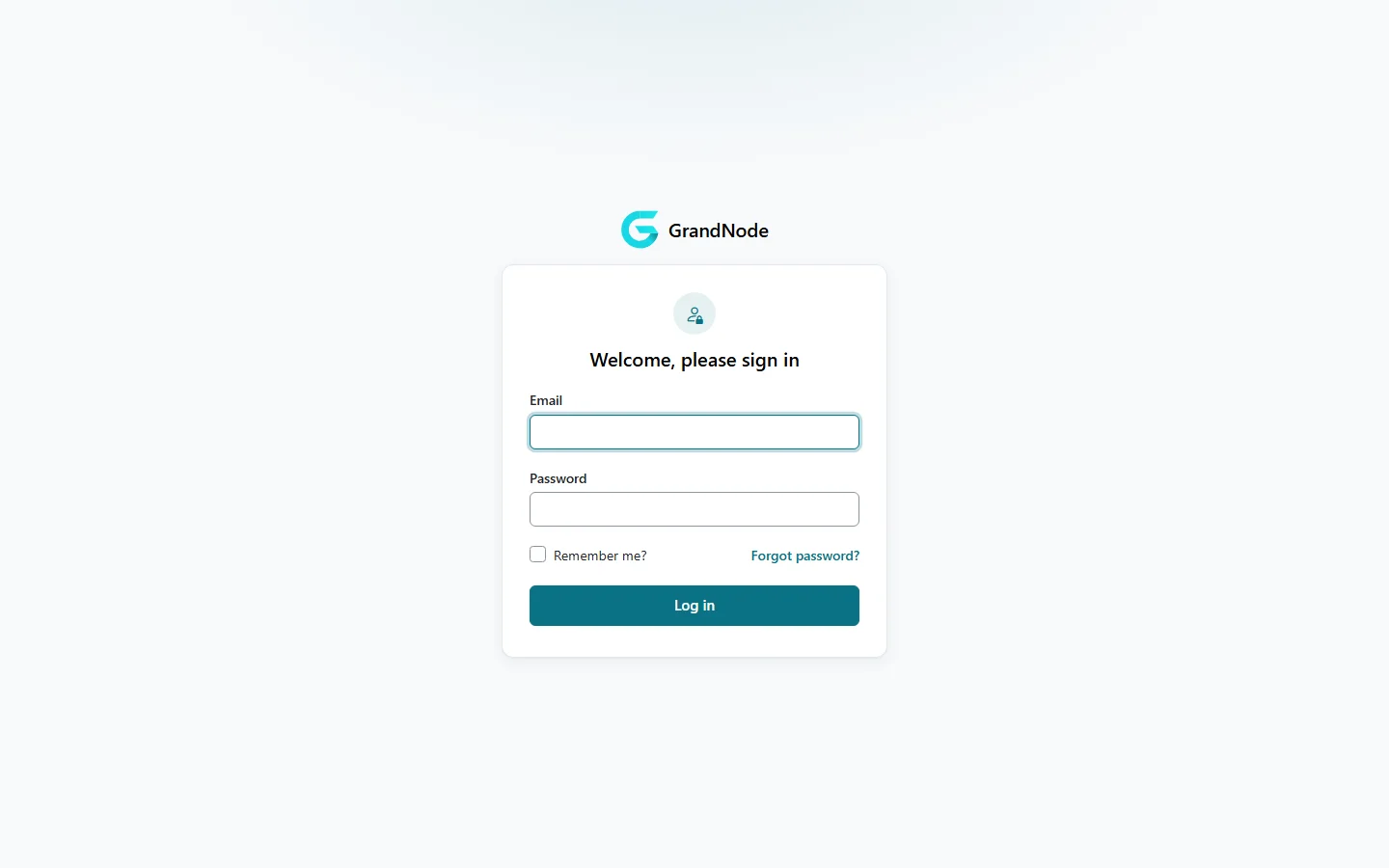
Vendors sign in at /vendor with the e-mail and password of their store account. The panel has its own sign-in screen with password recovery.
The dashboard
The dashboard shows the vendor's name, the latest orders with their items, and the bestsellers by quantity and by amount for the chosen date range.
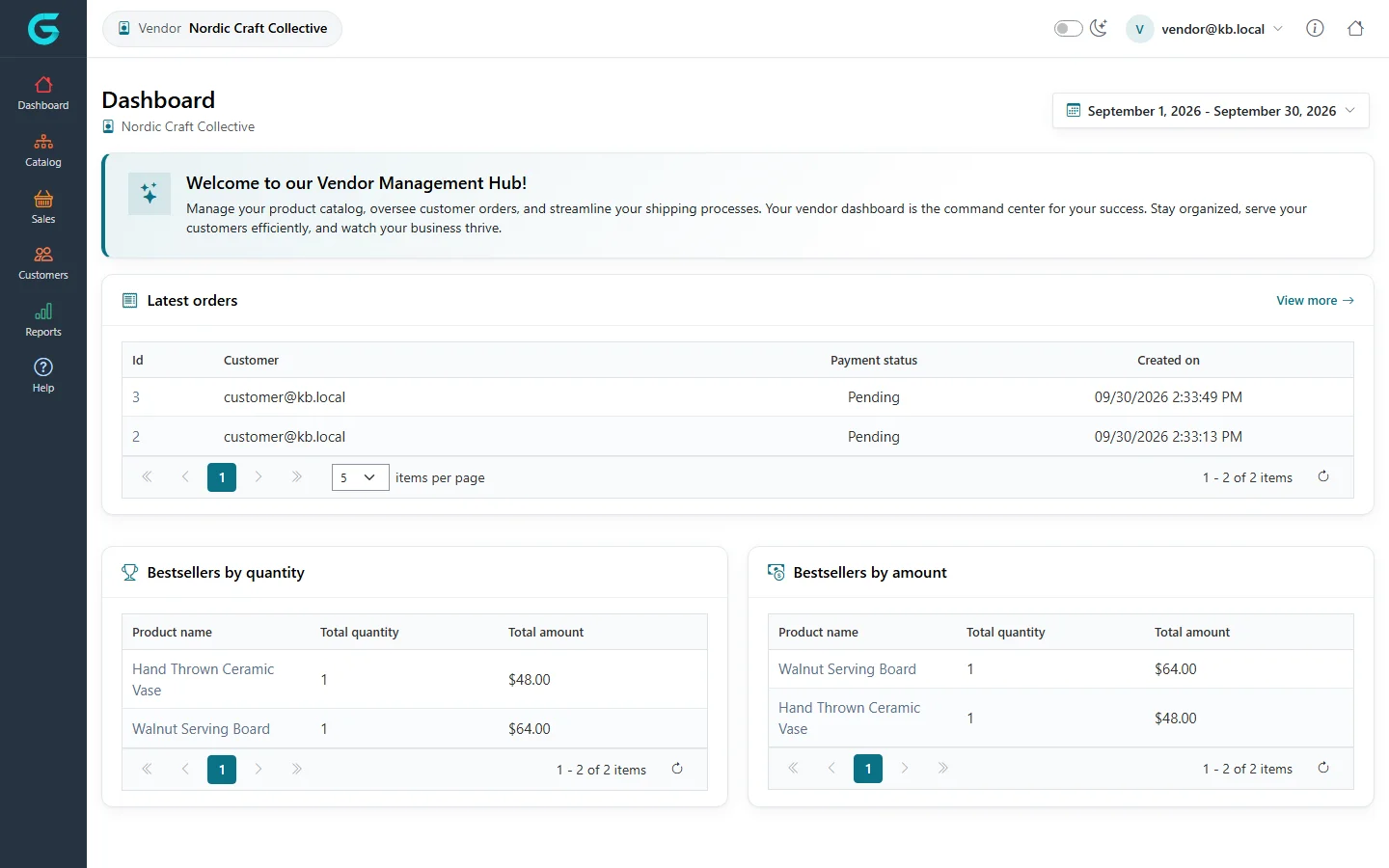
The top bar shows which vendor you work for; the user menu in the top right leads to the vendor profile and signs you out.
The menu
| Menu | What is there |
|---|---|
| Catalog | Your products and bulk edit. |
| Sales | Orders containing your products, shipments and merchandise returns of your items. |
| Customers | The reviews customers wrote about you. |
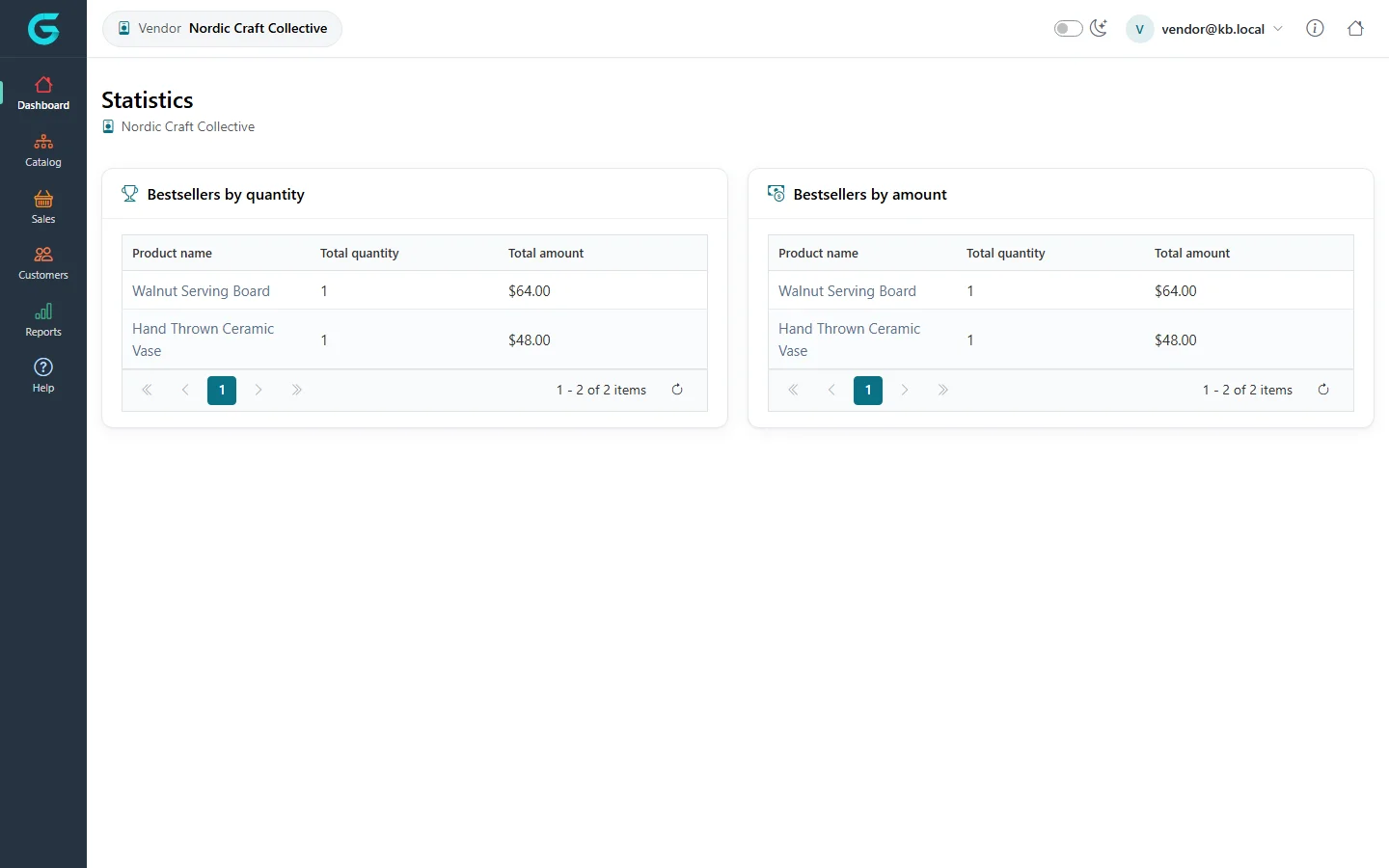
| Reports | Bestsellers, the customer report and statistics for your products. |
Statistics
Related
Question not answered here? Ask the community on GitHub Discussions ↗