Product tags and product reviews
Product tags and product reviews are two lightweight catalog features. Tags are free keywords that link products across categories; reviews are ratings and comments from your customers, which you moderate in the admin.
Product tags
Tags are typed on the product's General tab in the Product tags field; a new word becomes a new tag. On the storefront each tag has its own page listing its products, and the product page shows its tags as links.
Catalog → Product tags lists every tag with the number of products that use it. Click a tag to rename it (and set its SEO name and translations) or use Delete to remove it from all products.
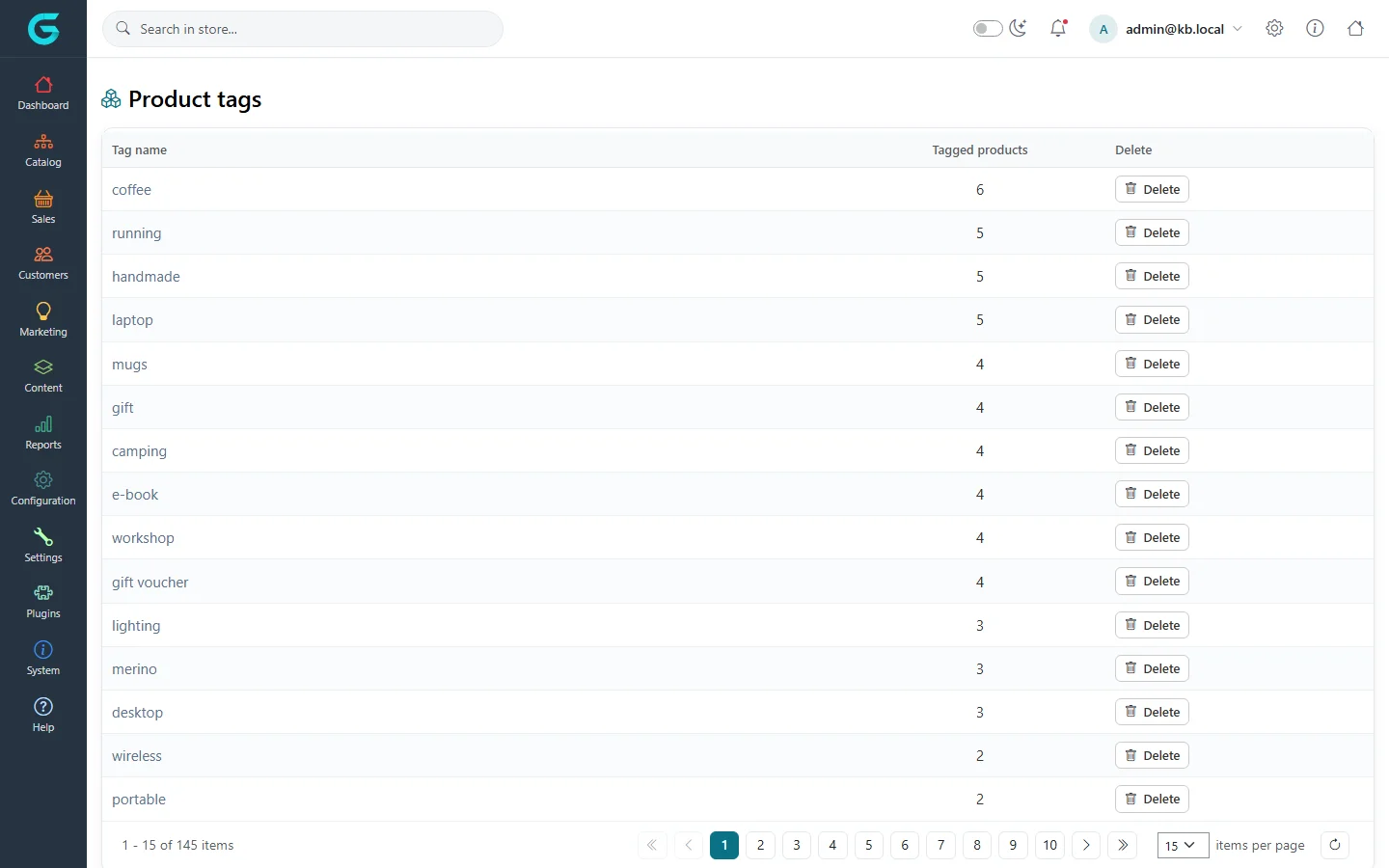
- Keep tags few and consistent - "wireless", not "wireless", "Wireless" and "wire-less".
- Use tags for themes that cross categories (gift, handmade, eco); use categories for the main structure.
Product reviews
Customers write reviews on the product page: a title, a text and a rating from 1 to 5. Catalog → Product reviews lists all of them with the product, the customer, the title, the rating, whether it is approved and when it was written.
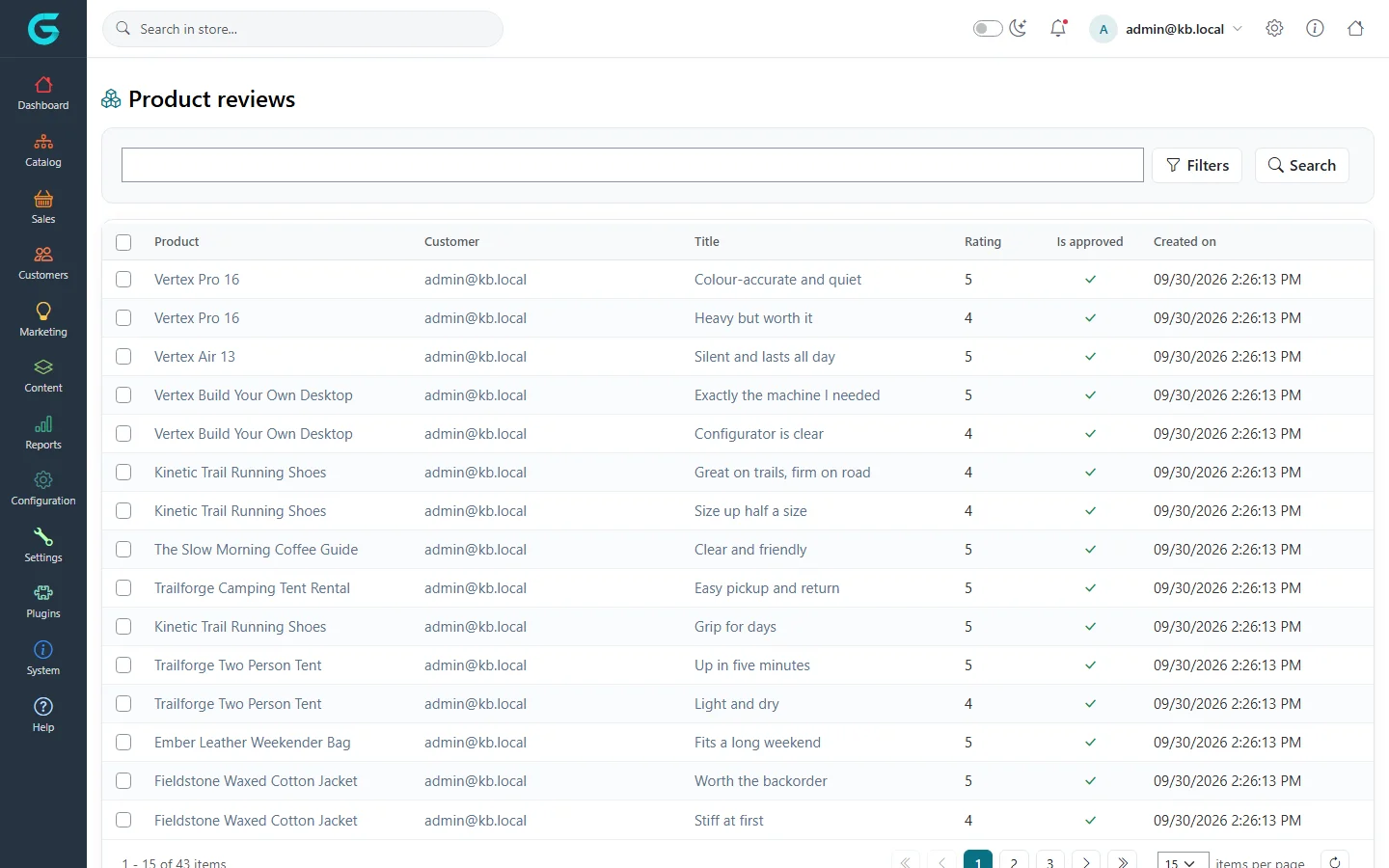
Moderate reviews
- Use the search box and Filters to find reviews by date, text or approval status.
- Tick reviews and approve or disapprove them in bulk, or open a review to edit its title and text, add a Reply text shown under it on the storefront, and set Is approved.
- Delete spam and abuse.
Only approved reviews are shown and counted in the product rating. The reviews of one product are also on its Product Reviews tab.
Review settings
Under Settings → Catalog settings:
| Setting | What it does |
|---|---|
| Product reviews must be approved | New reviews wait for approval before they appear. Recommended. |
| Allow anonymous users to write product reviews | Lets guests review. Off by default, and best left off. |
| Product review possible only after purchasing | Only customers who bought the product can review it. |
| Notify store owner about new product reviews | Sends an e-mail for every new review. |
Each product also has an Allow customer reviews switch, to turn reviews off for a single product.
Related
- Products
- Configuration - catalog settings
Question not answered here? Ask the community on GitHub Discussions ↗