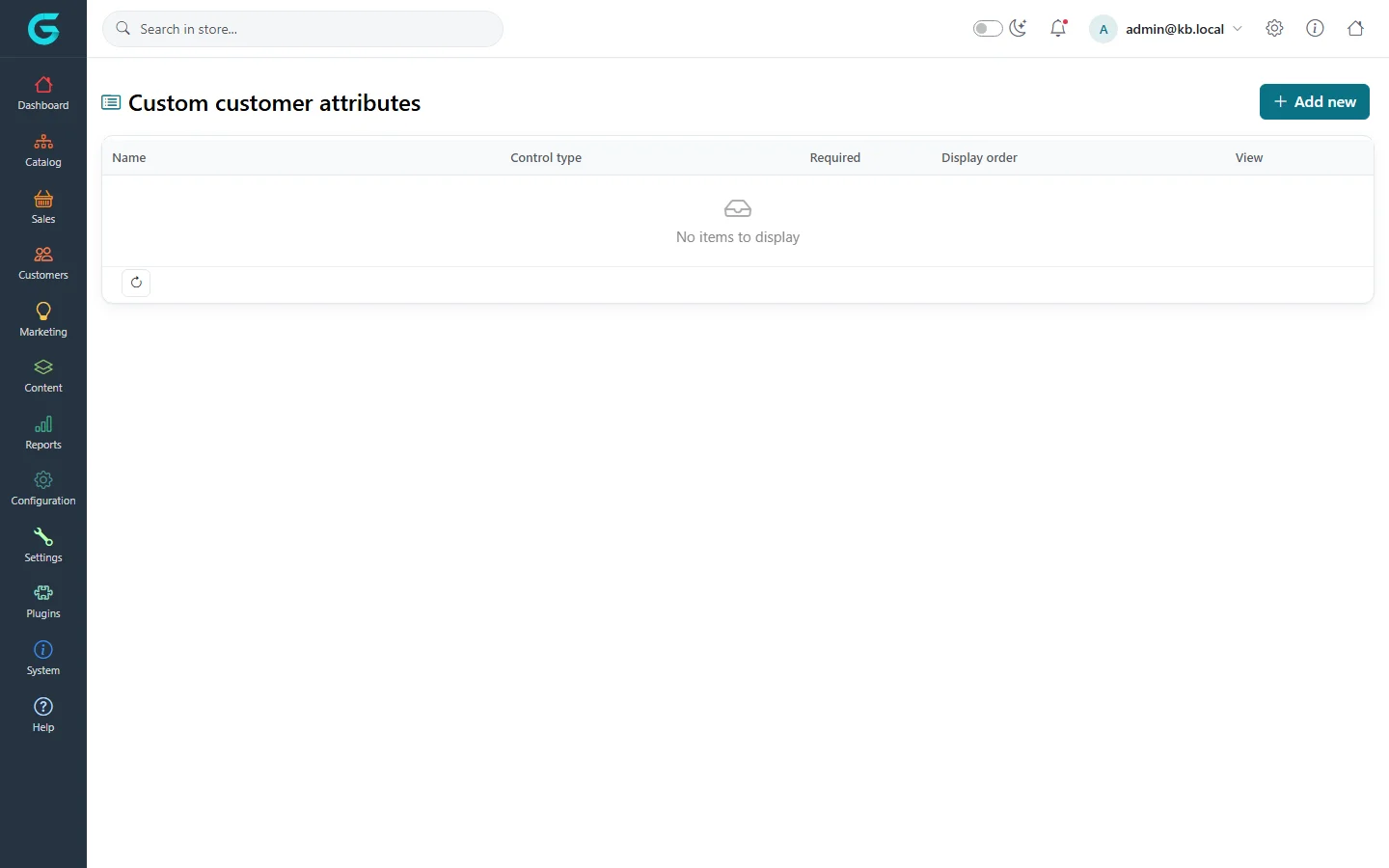
{"ArticleId":null,"Name":"Customer and address attributes","Content":"\n\u003Cp\u003EThe registration form and the address form have a fixed set of built-in fields (name, company, phone, VAT number...), which you switch on and off in the customer settings. When you need a field GrandNode does not have - \u0022How did you hear about us?\u0022, a customer number from your ERP, a door code for deliveries - add a \u003Cstrong\u003Ecustomer attribute\u003C/strong\u003E or an \u003Cstrong\u003Eaddress attribute\u003C/strong\u003E.\u003C/p\u003E\n\n\u003Ch2 id=\u0022customer-attributes\u0022\u003ECustomer attributes\u003C/h2\u003E\n\u003Cp\u003E\u003Cstrong\u003ECustomers \u2192 Customer attributes\u003C/strong\u003E lists your custom fields for customers. They appear on the registration page and in \u003Cstrong\u003EMy account \u2192 Customer info\u003C/strong\u003E, and staff see them on the customer\u0027s page in the admin.\u003C/p\u003E\n\u003Cfigure\u003E\u003Cimg src=\u0022/Plugins/Theme.GrandNodeCom/Content/kb/customers/customer-attributes.webp\u0022 alt=\u0022The Custom customer attributes list with name, control type, required, display order and an Add new button\u0022 width=\u00221440\u0022 height=\u0022900\u0022 loading=\u0022lazy\u0022\u003E\u003Cfigcaption\u003ECustomers \u2192 Customer attributes.\u003C/figcaption\u003E\u003C/figure\u003E\n\u003Col\u003E\n\u003Cli\u003EClick \u003Cstrong\u003EAdd new\u003C/strong\u003E.\u003C/li\u003E\n\u003Cli\u003EEnter the \u003Cstrong\u003EName\u003C/strong\u003E customers see, choose a \u003Cstrong\u003EControl type\u003C/strong\u003E - drop-down list, radio list, checkboxes, textbox, multiline textbox, date picker, colour squares - and tick \u003Cstrong\u003EIs required\u003C/strong\u003E if the field must be filled.\u003C/li\u003E\n\u003Cli\u003EFor list types, save and then add the values on the attribute\u0027s values tab, with one pre-selected if you like.\u003C/li\u003E\n\u003Cli\u003ESet \u003Cstrong\u003EDisplay order\u003C/strong\u003E to place it among the other custom fields.\u003C/li\u003E\n\u003C/ol\u003E\n\u003Cp\u003EThe \u003Cstrong\u003EView\u003C/strong\u003E column shows where the attribute is used. Customer attributes can be translated like other texts.\u003C/p\u003E\n\n\u003Ch2 id=\u0022address-attributes\u0022\u003EAddress attributes\u003C/h2\u003E\n\u003Cp\u003E\u003Cstrong\u003ECustomers \u2192 Address attributes\u003C/strong\u003E works the same way for addresses: the fields appear wherever an address is entered - in the address book, at checkout for billing and shipping, and in the admin. The answers are stored with the address and printed on the order details and invoice.\u003C/p\u003E\n\n\u003Ch2 id=\u0022built-in-fields\u0022\u003EBuilt-in fields first\u003C/h2\u003E\n\u003Cp\u003EBefore adding an attribute, check \u003Cstrong\u003ESettings \u2192 Customer settings\u003C/strong\u003E, tabs \u003Cstrong\u003ECustomer form fields\u003C/strong\u003E and \u003Cstrong\u003EAddress form fields\u003C/strong\u003E. Company, VAT number, street address 2, phone, fax, date of birth, gender and more are built in; you can make each enabled or required.\u003C/p\u003E\n\n\u003Ch2 id=\u0022tips\u0022\u003ETips and common mistakes\u003C/h2\u003E\n\u003Cul\u003E\n\u003Cli\u003EEvery required field is one more reason to abandon registration or checkout. Make fields optional unless you truly need them.\u003C/li\u003E\n\u003Cli\u003EDo not ask for sensitive data you do not need; it all falls under your privacy obligations.\u003C/li\u003E\n\u003C/ul\u003E\n\n\u003Ch2 id=\u0022related\u0022\u003ERelated\u003C/h2\u003E\n\u003Cul\u003E\n\u003Cli\u003E\u003Ca href=\u0022/customers-registration-login-and-privacy\u0022\u003ERegistration, login and privacy\u003C/a\u003E\u003C/li\u003E\n\u003Cli\u003E\u003Ca href=\u0022/customers-customer-record\u0022\u003EThe customer record\u003C/a\u003E\u003C/li\u003E\n\u003C/ul\u003E\n","ParentCategoryId":"6abdec6c83d2816248229edd","SeName":"customers-customer-attributes","MetaKeywords":null,"MetaDescription":"Add your own fields to the GrandNode registration form, customer account and addresses with customer attributes and address attributes.","MetaTitle":null,"AllowComments":false,"Captcha":{"ReCaptchaChallengeField":null,"ReCaptchaResponseField":null,"ReCaptchaResponseValue":null,"ReCaptchaResponse":null},"RelatedArticles":[],"CategoryBreadcrumb":[{"Name":"Customers","Description":null,"IsCurrent":false,"Children":null,"Parent":null,"SeName":"docs-customers","Id":"6abdec6c83d2816248229edd","UserFields":[]}],"AddNewComment":{"CommentText":null,"DisplayCaptcha":false,"Id":null,"UserFields":[]},"Comments":[],"Id":"6abdec6c83d2816248229ee9","UserFields":[]}