Online customers and customer reports
Two views help you understand your customers as a group: the list of who is on the store right now, and the customer reports that rank customers by what they buy.
Online customers
Dashboard → Online customers (also linked from the dashboard's "Online visitors" tile) lists visitors active in the last minutes: the customer (or "Guest"), IP address, location when geo-coordinates are enabled, the time of the last activity and the last page they visited. The time window is Online Customers minutes in the customer settings (20 minutes by default).
Recording the last visited page needs Store last visited page switched on in the customer settings; it costs a database write per page view, so leave it off on busy stores unless you use it.
Customer reports
Reports → Customer reports has three tabs:
- Customers by order total - customers ranked by how much they spent.
- Customers by number of orders - ranked by how often they ordered.
- Registered customers - how many customers registered in recent periods.
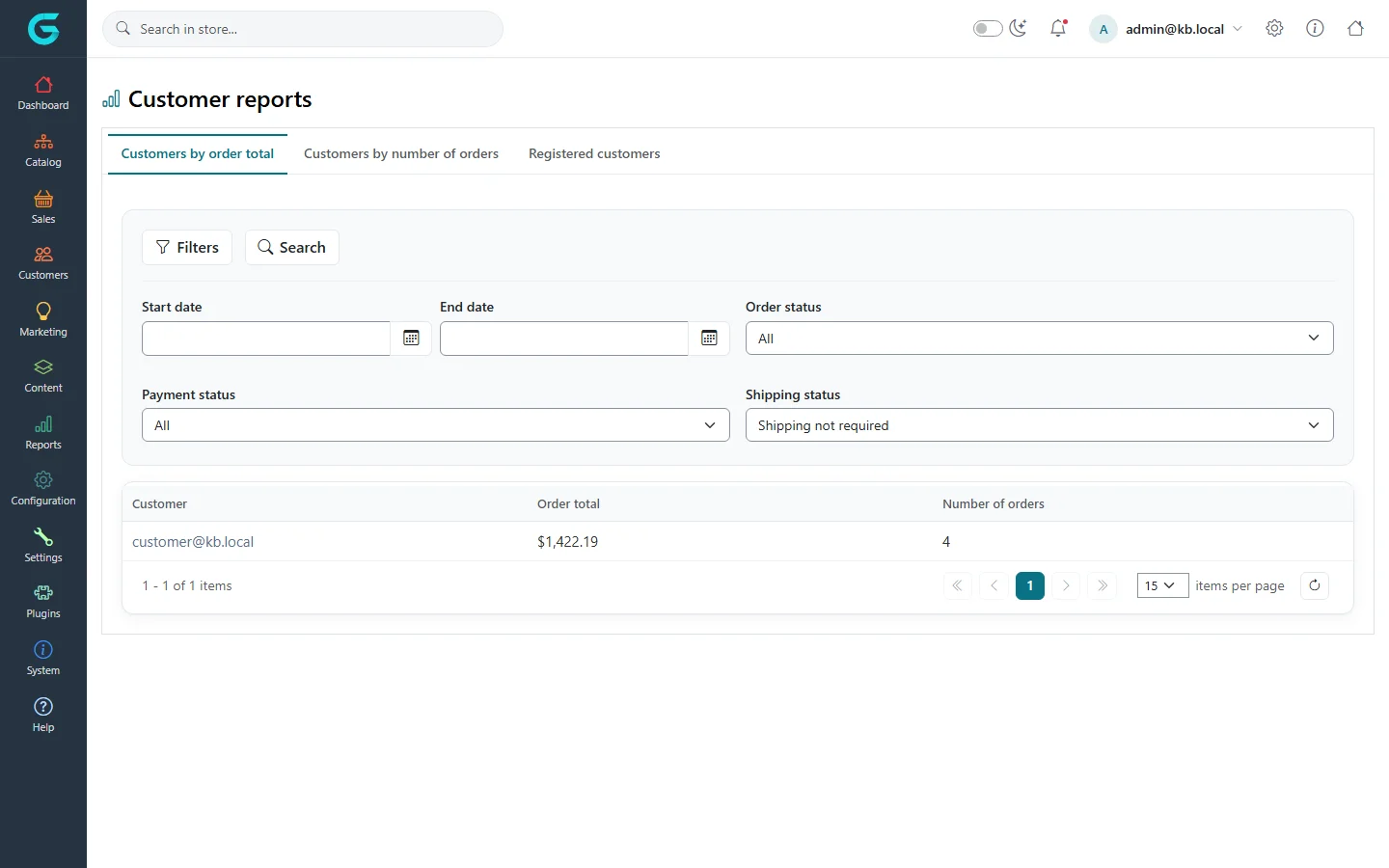
Filter by date range and by order, payment and shipping status - for example only paid orders this year - and click Search. Click a customer to open their record.
Activity log
What a single customer did - signed in, placed an order, changed the address, and for staff what they changed in the admin - is on the Activity log tab of the customer's page.
Related
Question not answered here? Ask the community on GitHub Discussions ↗