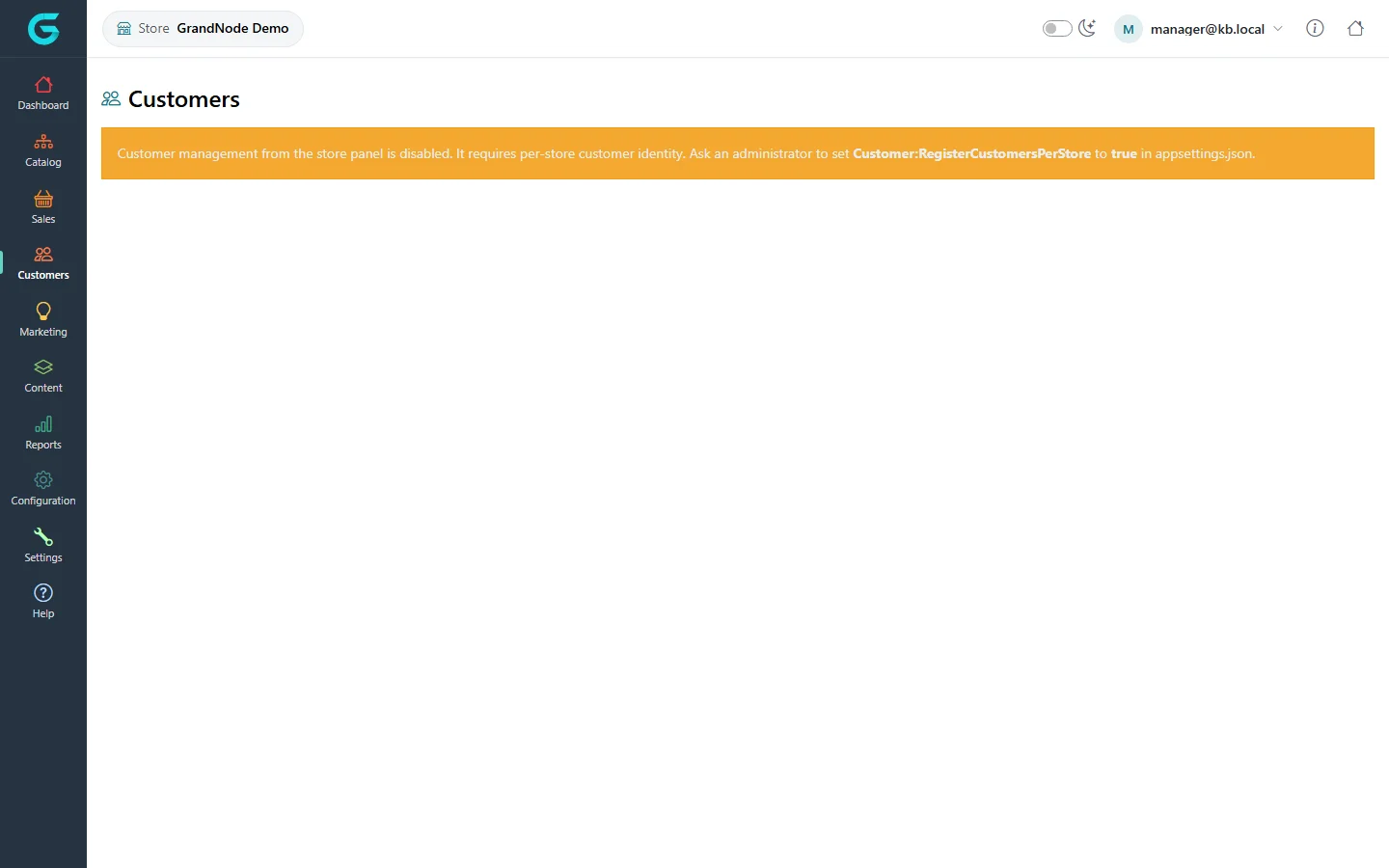
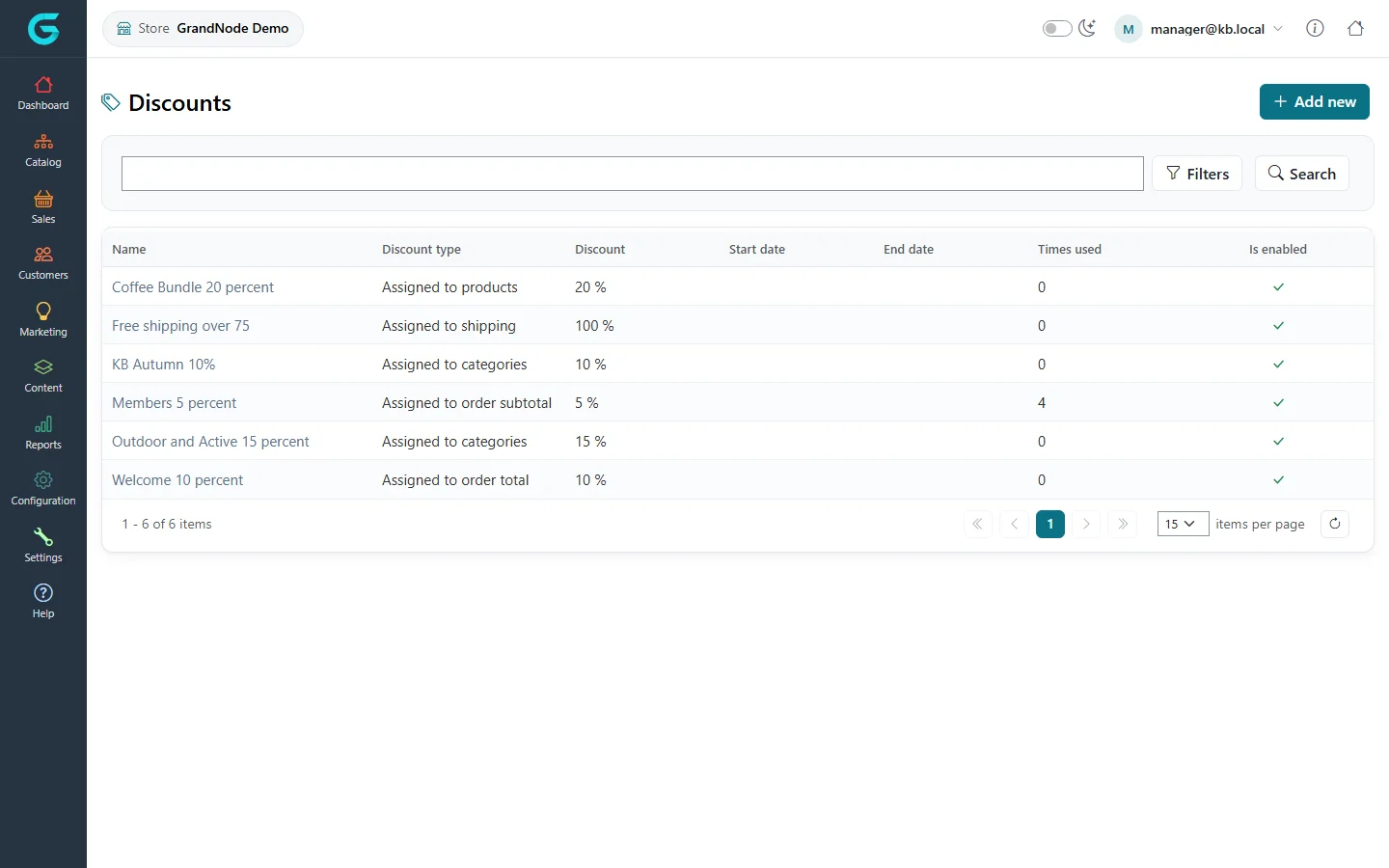
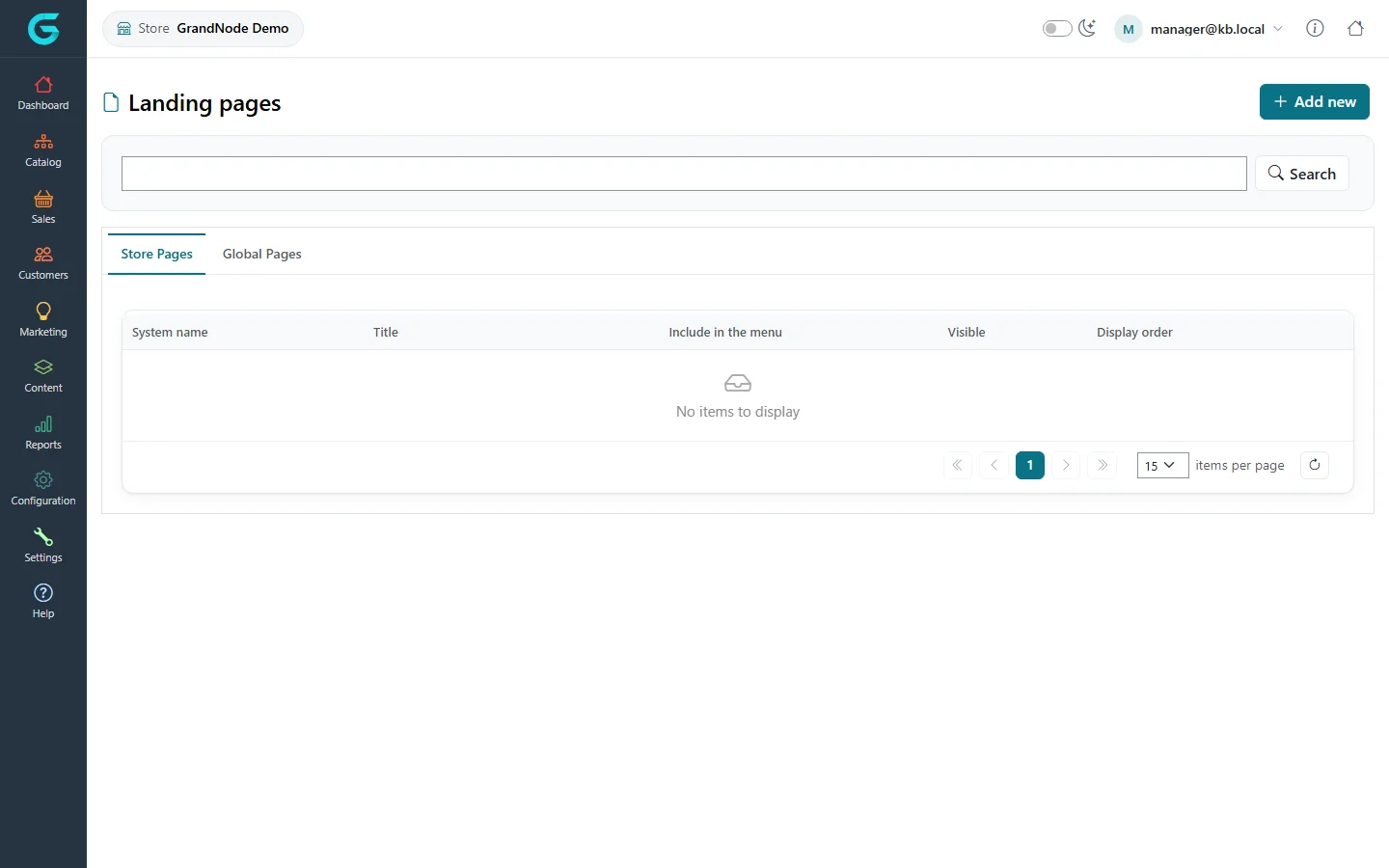
{"ArticleId":null,"Name":"Customers, marketing and content in the store owner panel","Content":"\n\u003Cp\u003EBesides the catalog and orders, the store owner panel lets a manager look after the store\u0027s customers, promotions and pages. Some of it depends on how the installation is configured.\u003C/p\u003E\n\n\u003Ch2 id=\u0022customers\u0022\u003ECustomers\u003C/h2\u003E\n\u003Cp\u003EA store manager can manage the \u003Cstrong\u003Eregistered customers of their store\u003C/strong\u003E - create, edit, see orders, addresses, carts and loyalty points - but only when customer accounts are separate per store. Otherwise the same account is shared by all stores and belongs to the administrator; the panel then shows a notice instead of the list.\u003C/p\u003E\n\u003Cfigure\u003E\u003Cimg src=\u0022/Plugins/Theme.GrandNodeCom/Content/kb/store-panel/customers-list.webp\u0022 alt=\u0022The store panel Customers page with the notice that customer management is disabled and requires Customer:RegisterCustomersPerStore set to true in appsettings.json\u0022 width=\u00221440\u0022 height=\u0022900\u0022 loading=\u0022lazy\u0022\u003E\u003Cfigcaption\u003ECustomers are available only with per-store customer accounts.\u003C/figcaption\u003E\u003C/figure\u003E\n\u003Cp\u003ETo enable it, the administrator sets \u003Ccode\u003ECustomer:RegisterCustomersPerStore\u003C/code\u003E to \u003Ccode\u003Etrue\u003C/code\u003E in \u003Ccode\u003Eappsettings.json\u003C/code\u003E (see \u003Ca href=\u0022/system-appsettings\u0022\u003EApplication settings\u003C/a\u003E) and grants the Store manager group the customer permission. A store manager cannot change a customer\u0027s groups, vendor or store.\u003C/p\u003E\n\n\u003Ch2 id=\u0022marketing\u0022\u003EDiscounts and promotions\u003C/h2\u003E\n\u003Cp\u003E\u003Cstrong\u003EMarketing \u2192 Discounts\u003C/strong\u003E lists the discounts that apply in the store.\u003C/p\u003E\n\u003Cfigure\u003E\u003Cimg src=\u0022/Plugins/Theme.GrandNodeCom/Content/kb/store-panel/discounts.webp\u0022 alt=\u0022The store panel Discounts list with the discount names, types, values, dates, times used and enabled flags\u0022 width=\u00221440\u0022 height=\u0022900\u0022 loading=\u0022lazy\u0022\u003E\u003Cfigcaption\u003EMarketing \u2192 Discounts in the store owner panel.\u003C/figcaption\u003E\u003C/figure\u003E\n\u003Cp\u003EHow discounts work is described in \u003Ca href=\u0022/docs-marketing\u0022\u003EMarketing and promotions\u003C/a\u003E. What a manager may change is decided by the permissions the administrator grants to the Store manager group.\u003C/p\u003E\n\n\u003Ch2 id=\u0022content\u0022\u003ELanding pages\u003C/h2\u003E\n\u003Cp\u003E\u003Cstrong\u003EContent \u2192 Landing pages\u003C/strong\u003E has two tabs: \u003Cstrong\u003EStore Pages\u003C/strong\u003E, the pages that belong to your store and that you create and edit, and \u003Cstrong\u003EGlobal Pages\u003C/strong\u003E, the pages shared by all stores, listed for reference.\u003C/p\u003E\n\u003Cfigure\u003E\u003Cimg src=\u0022/Plugins/Theme.GrandNodeCom/Content/kb/store-panel/pages.webp\u0022 alt=\u0022The store panel Landing pages screen with the tabs Store Pages and Global Pages and an Add new button\u0022 width=\u00221440\u0022 height=\u0022900\u0022 loading=\u0022lazy\u0022\u003E\u003Cfigcaption\u003EStore pages and global pages.\u003C/figcaption\u003E\u003C/figure\u003E\n\u003Cp\u003EA page you create is limited to your store. The editor and the allowed HTML are the same as in the admin panel - see \u003Ca href=\u0022/content-pages\u0022\u003EPages\u003C/a\u003E.\u003C/p\u003E\n\n\u003Ch2 id=\u0022related\u0022\u003ERelated\u003C/h2\u003E\n\u003Cul\u003E\n\u003Cli\u003E\u003Ca href=\u0022/store-panel-access\u0022\u003EGiving someone access to the store owner panel\u003C/a\u003E\u003C/li\u003E\n\u003Cli\u003E\u003Ca href=\u0022/store-panel-configuration\u0022\u003EConfiguration in the store owner panel\u003C/a\u003E\u003C/li\u003E\n\u003C/ul\u003E\n","ParentCategoryId":"6abdec6d83d2816248229f43","SeName":"store-panel-customers-marketing-content","MetaKeywords":null,"MetaDescription":"What a store manager can do with customers, discounts and landing pages in the GrandNode store owner panel, and what depends on the administrator.","MetaTitle":"Store panel: customers, marketing, content","AllowComments":false,"Captcha":{"ReCaptchaChallengeField":null,"ReCaptchaResponseField":null,"ReCaptchaResponseValue":null,"ReCaptchaResponse":null},"RelatedArticles":[],"CategoryBreadcrumb":[{"Name":"Store owner panel","Description":null,"IsCurrent":false,"Children":null,"Parent":null,"SeName":"docs-store-panel","Id":"6abdec6d83d2816248229f43","UserFields":[]}],"AddNewComment":{"CommentText":null,"DisplayCaptcha":false,"Id":null,"UserFields":[]},"Comments":[],"Id":"6abdec6d83d2816248229f4f","UserFields":[]}