Blog
The built-in blog is the place for guides, stories and news that help customers choose and use your products. Posts have categories and tags, can show products, and customers can comment on them.
Blog posts
Content → Blog → Blog posts lists posts with their title, number of comments, start and end dates and creation date.
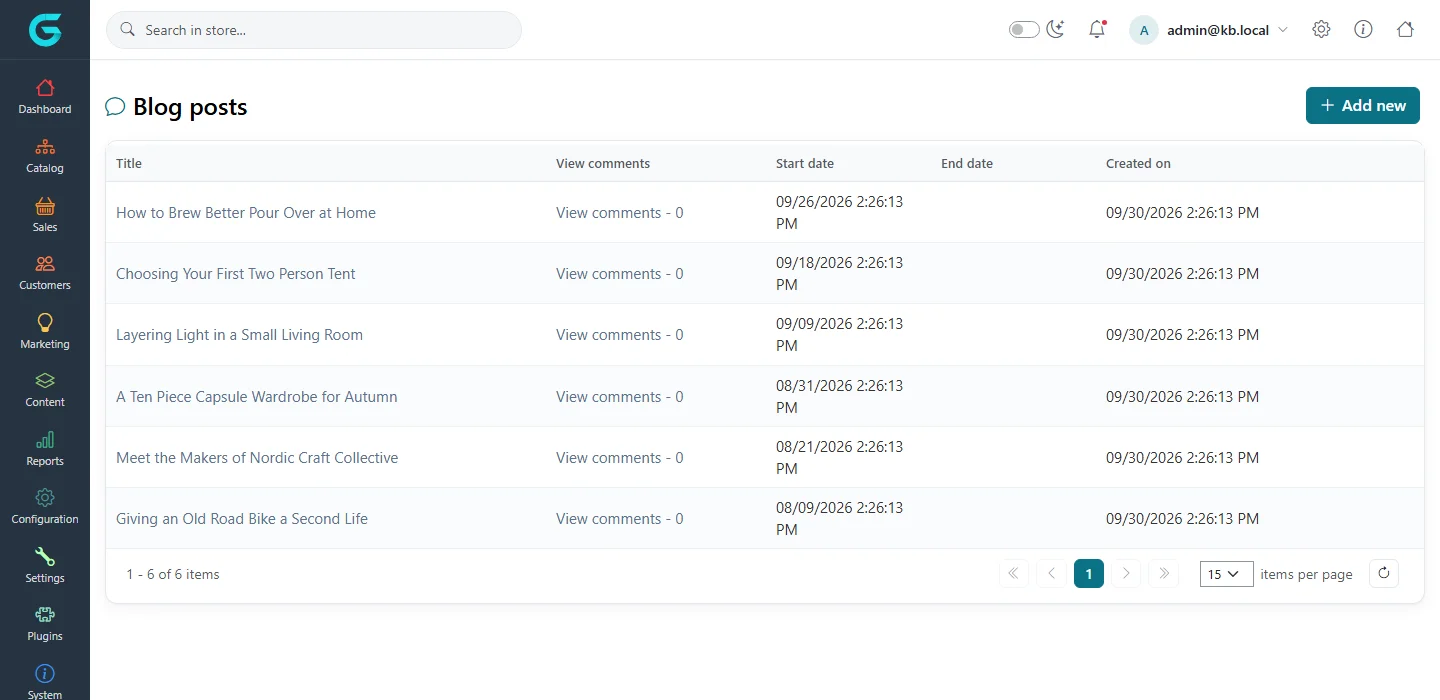
Write a post
- Click Add new.
- Enter the Title, a short Body overview (shown in the list) and the Body in the HTML editor.
- Add Tags (comma separated), a Picture, and choose the Categories.
- Optionally set Start date and End date to publish on a schedule or retire a post; Allow comments switches comments on for this post.
- Fill in the SEO tab and save.
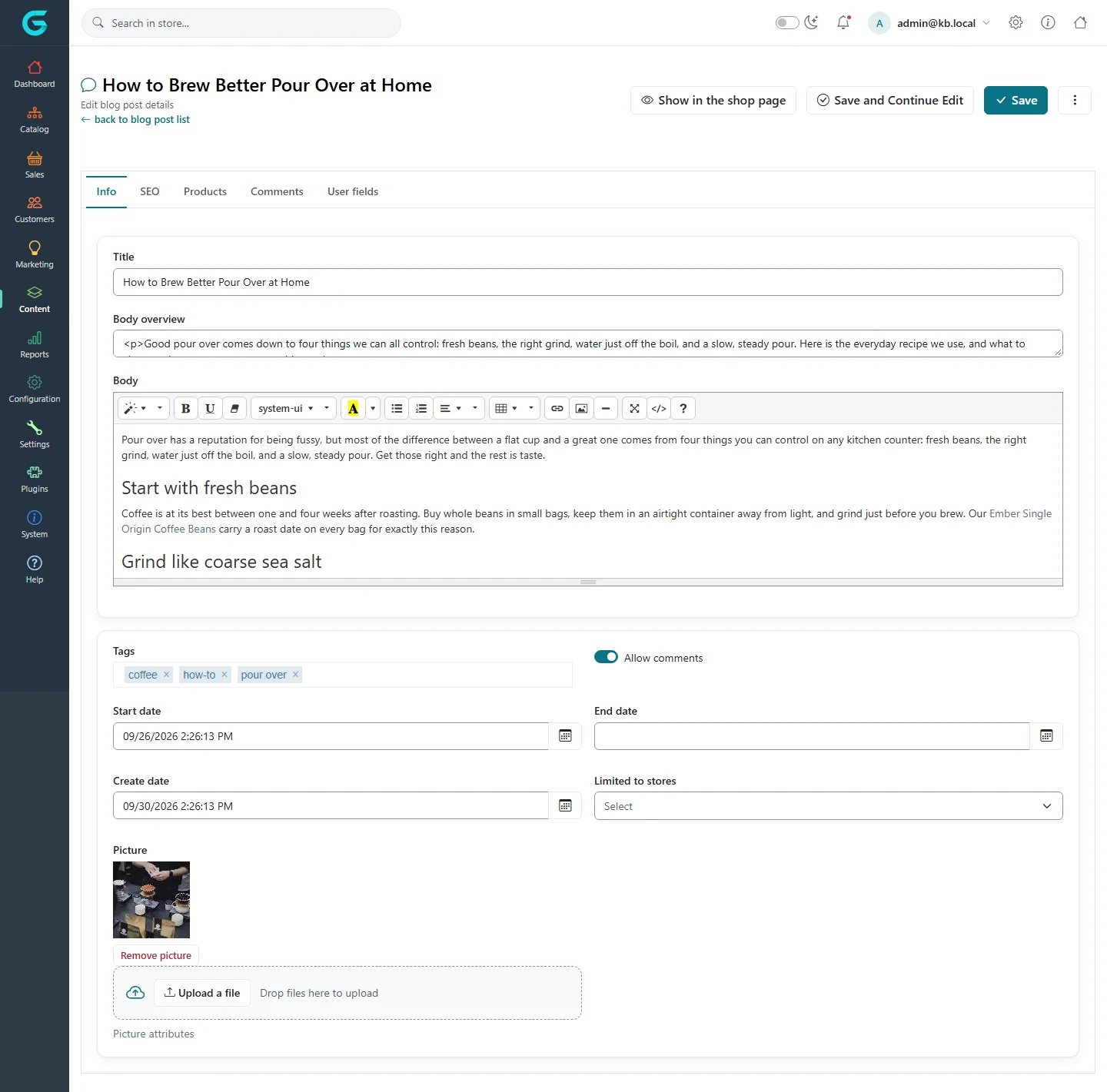
The Products tab links products to the post; they are shown under it, turning a guide into a shopping list.
Blog categories
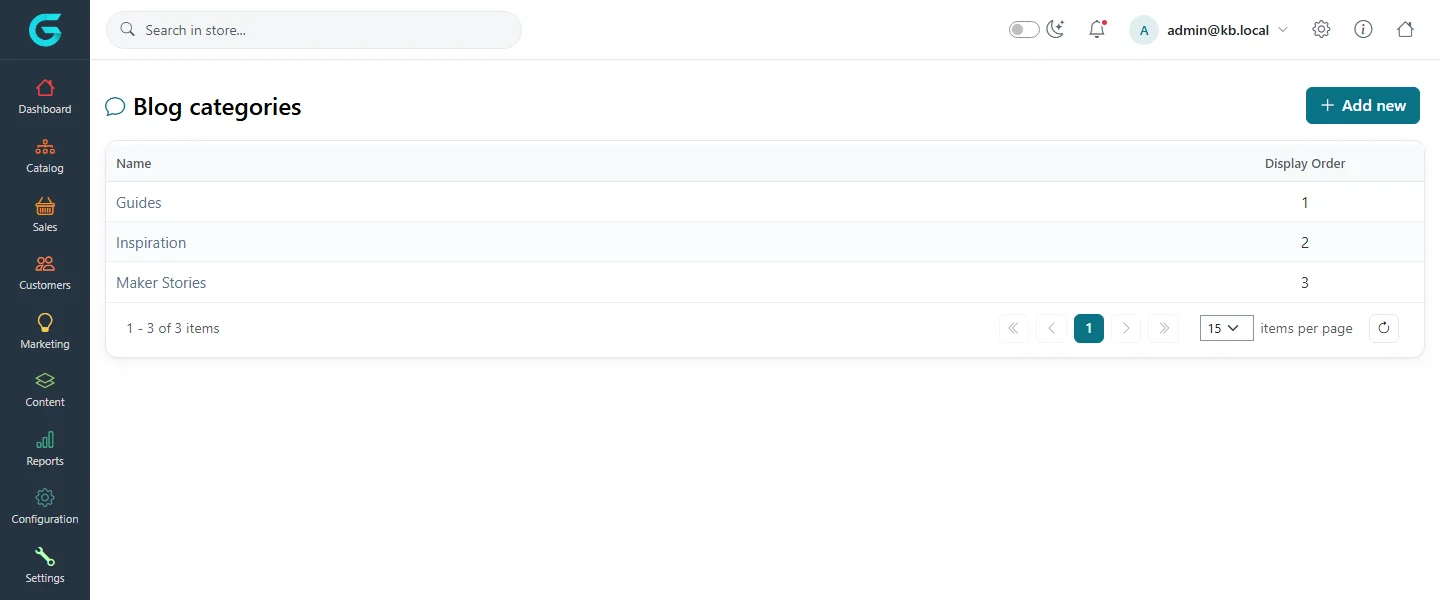
Content → Blog → Blog categories groups posts - "Guides", "Inspiration", "Maker stories". Categories appear in the blog sidebar with their post count.
Comments
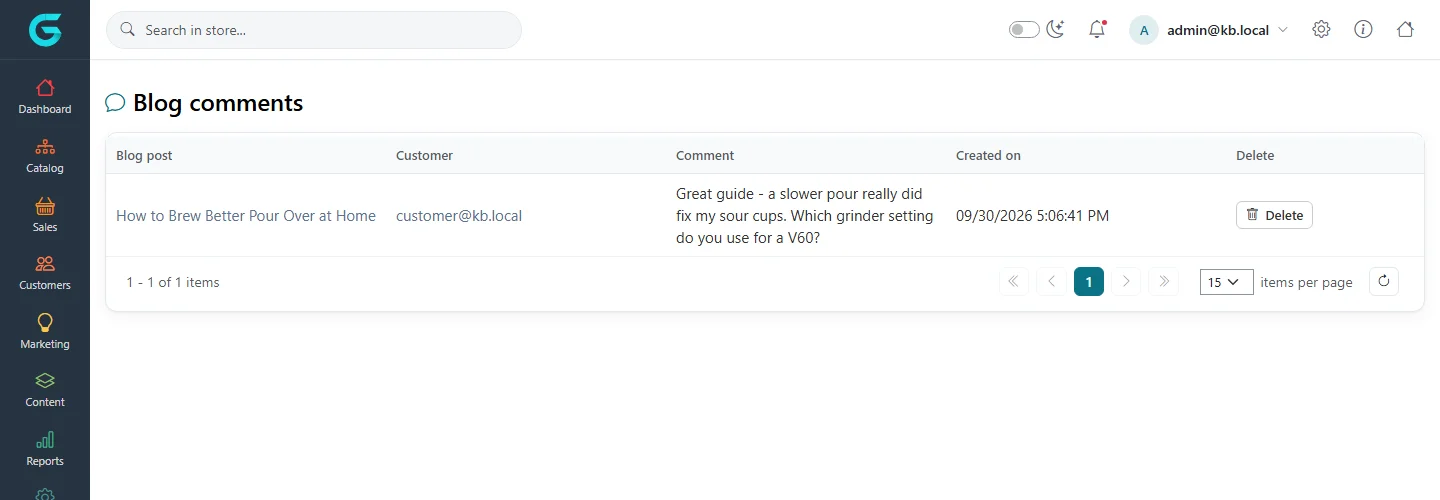
Customers comment under a post. Content → Blog → Blog comments lists all comments with the post, the customer, the text and the date; delete the ones you do not want.
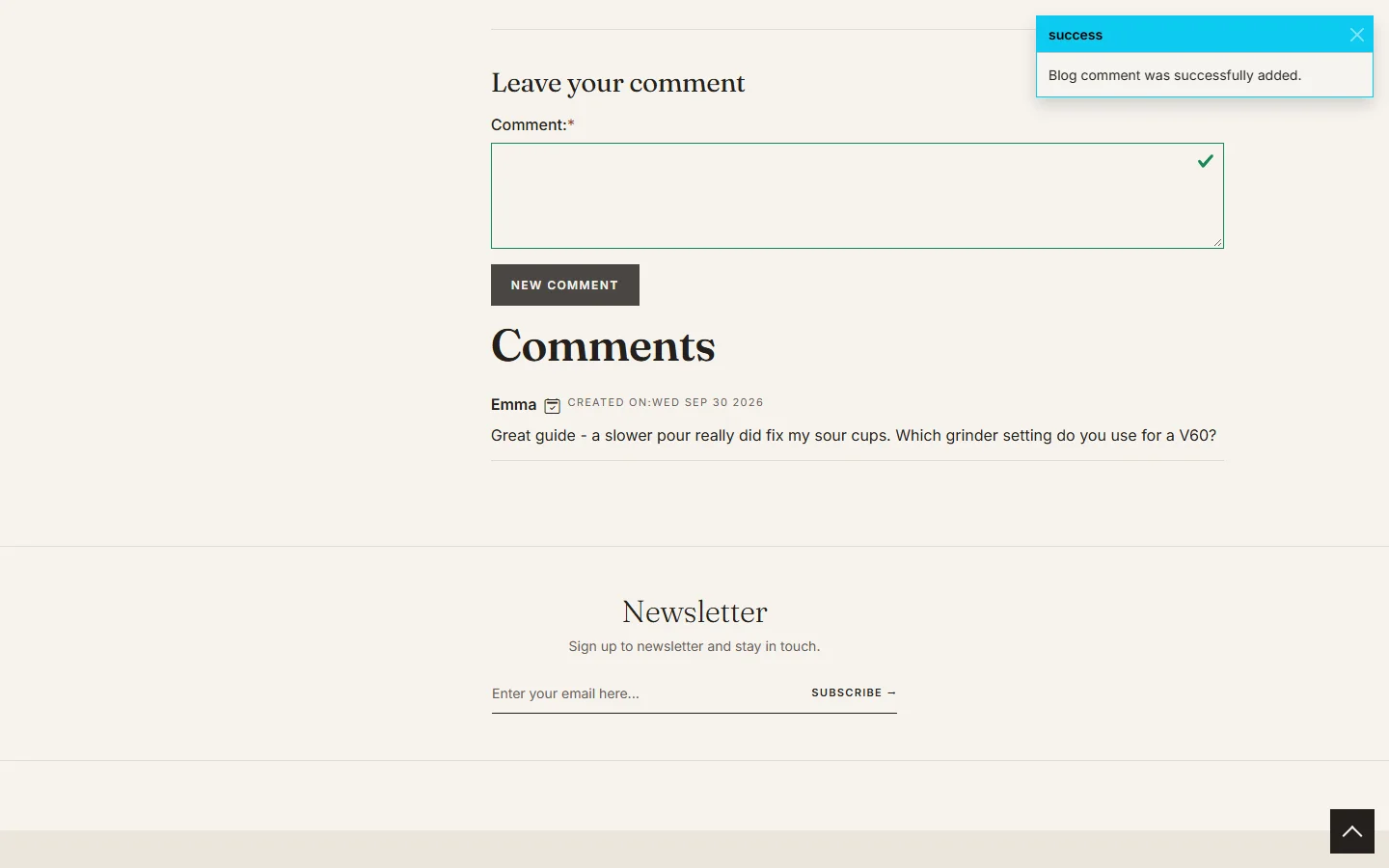
On the storefront
The blog is at /blog, with search, categories, the archive by month and the tag cloud.
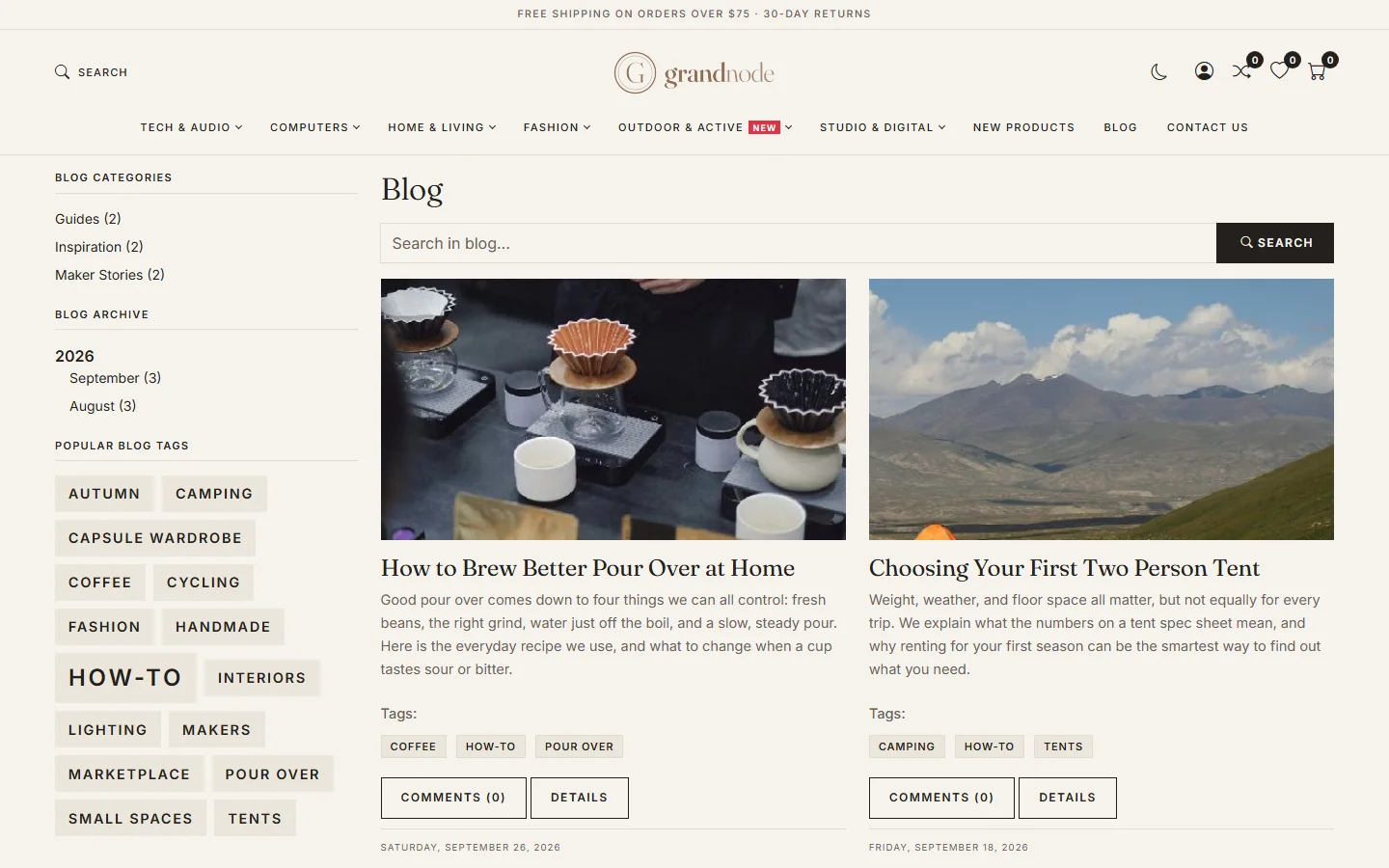
Blog settings
Under Settings → Content settings, tab Blog:
| Setting | What it does |
|---|---|
| Enabled | Turns the blog on or off. |
| Posts page size | Posts per page. |
| Allow not registered users to leave comments | Guest comments. Off is safer against spam. |
| Notify about new blog comments | E-mails you on each new comment. |
| Number of tags | How many tags the tag cloud shows. |
| Show blog on home page, count, max text size | A block of the latest posts on the home page. |
| Show blog posts in search auto complete | Suggests posts in the search box. |
Related
Question not answered here? Ask the community on GitHub Discussions ↗