News
News is for short announcements - a new department, holiday opening hours, a marketplace partner. It works like the blog but simpler: no categories or tags, and news can be shown on the home page.
News items
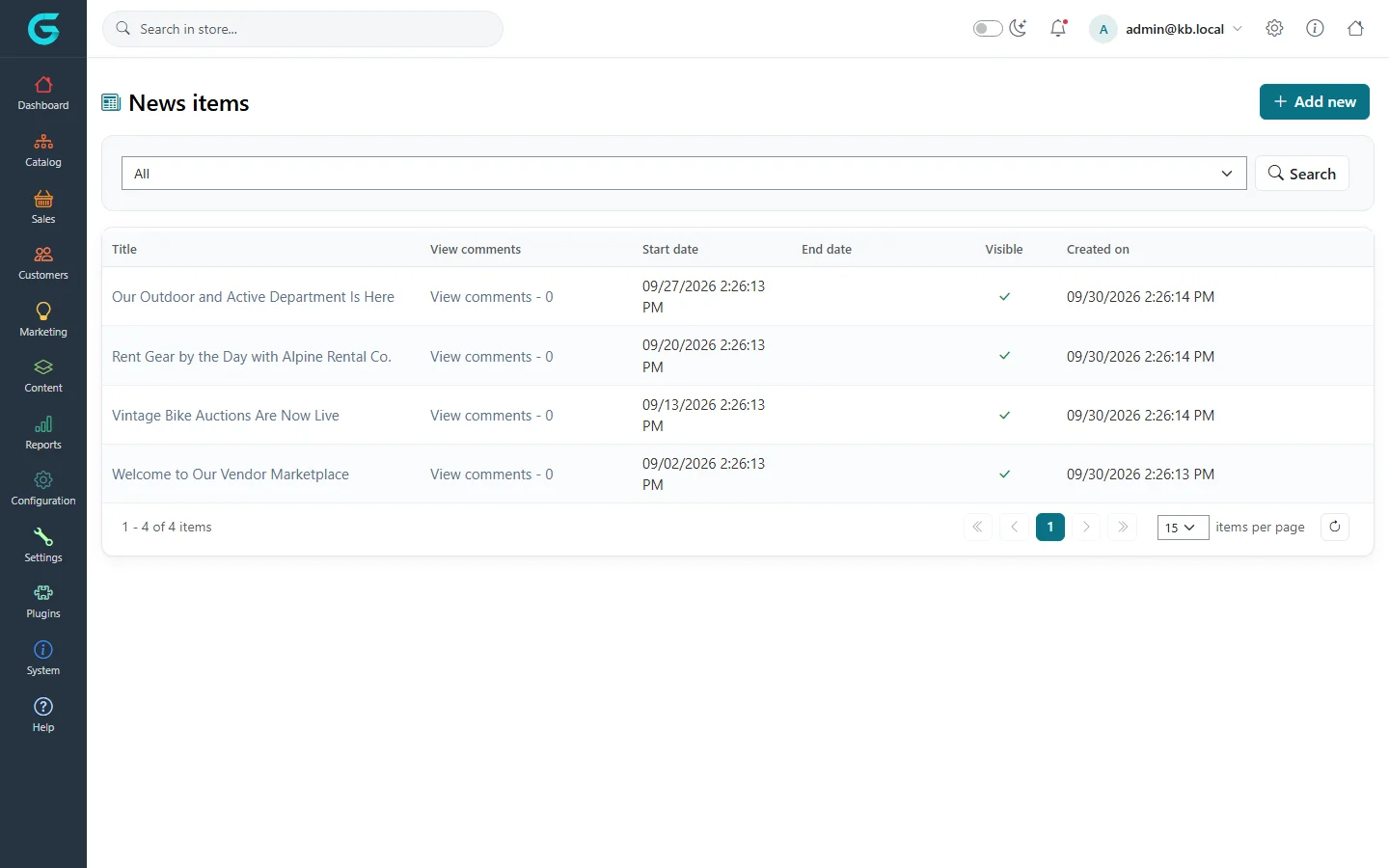
Content → News lists items with their title, comments, dates, whether they are visible, and when they were created.
Create a news item
- Click Add new.
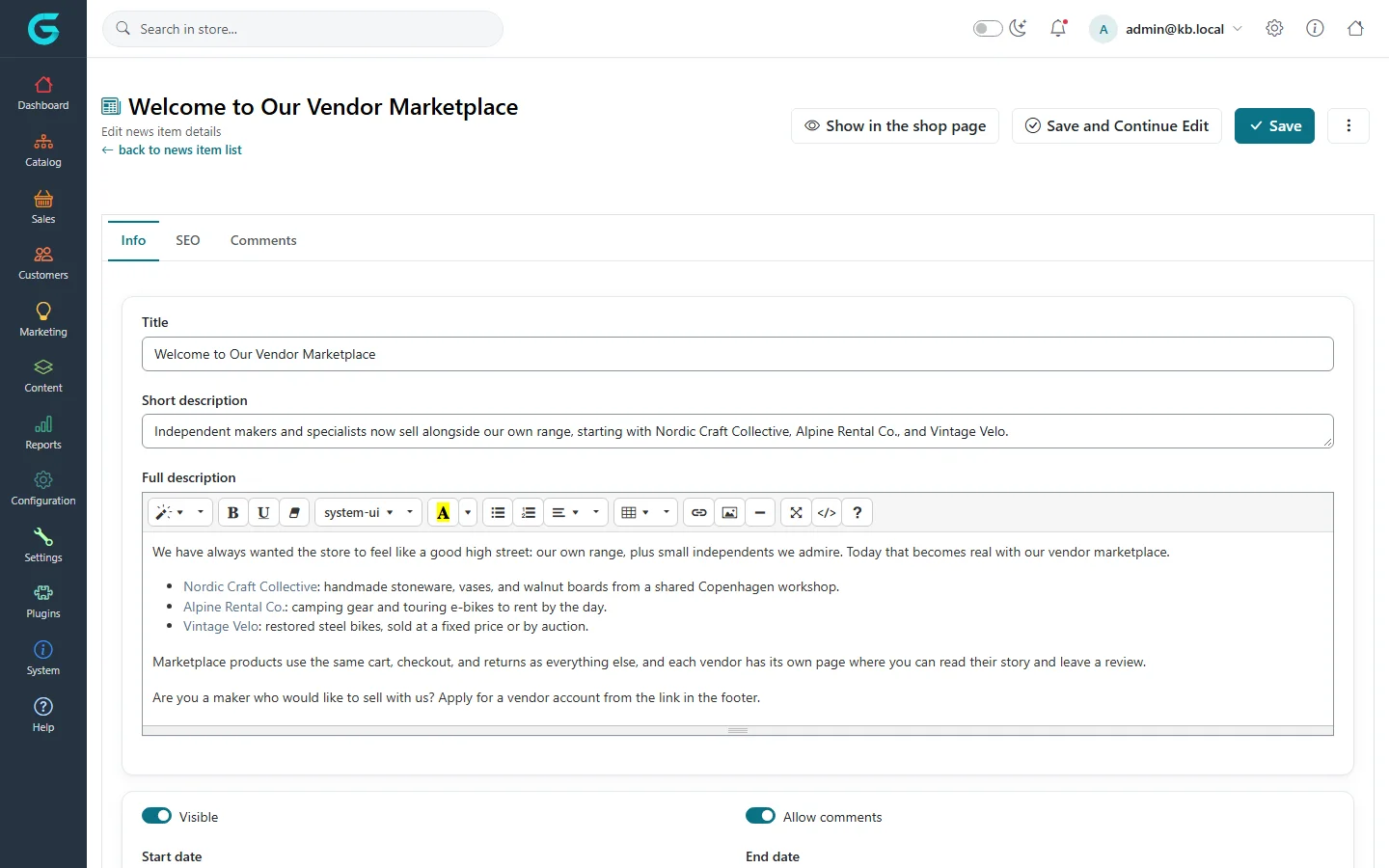
- Enter the Title, a Short description (shown in lists and on the home page) and the Full description.
- Set Visible, optionally Start date and End date, Allow comments, and a picture.
- Fill in the SEO tab and save.
The Comments tab of an item lists its comments for moderation.
On the storefront
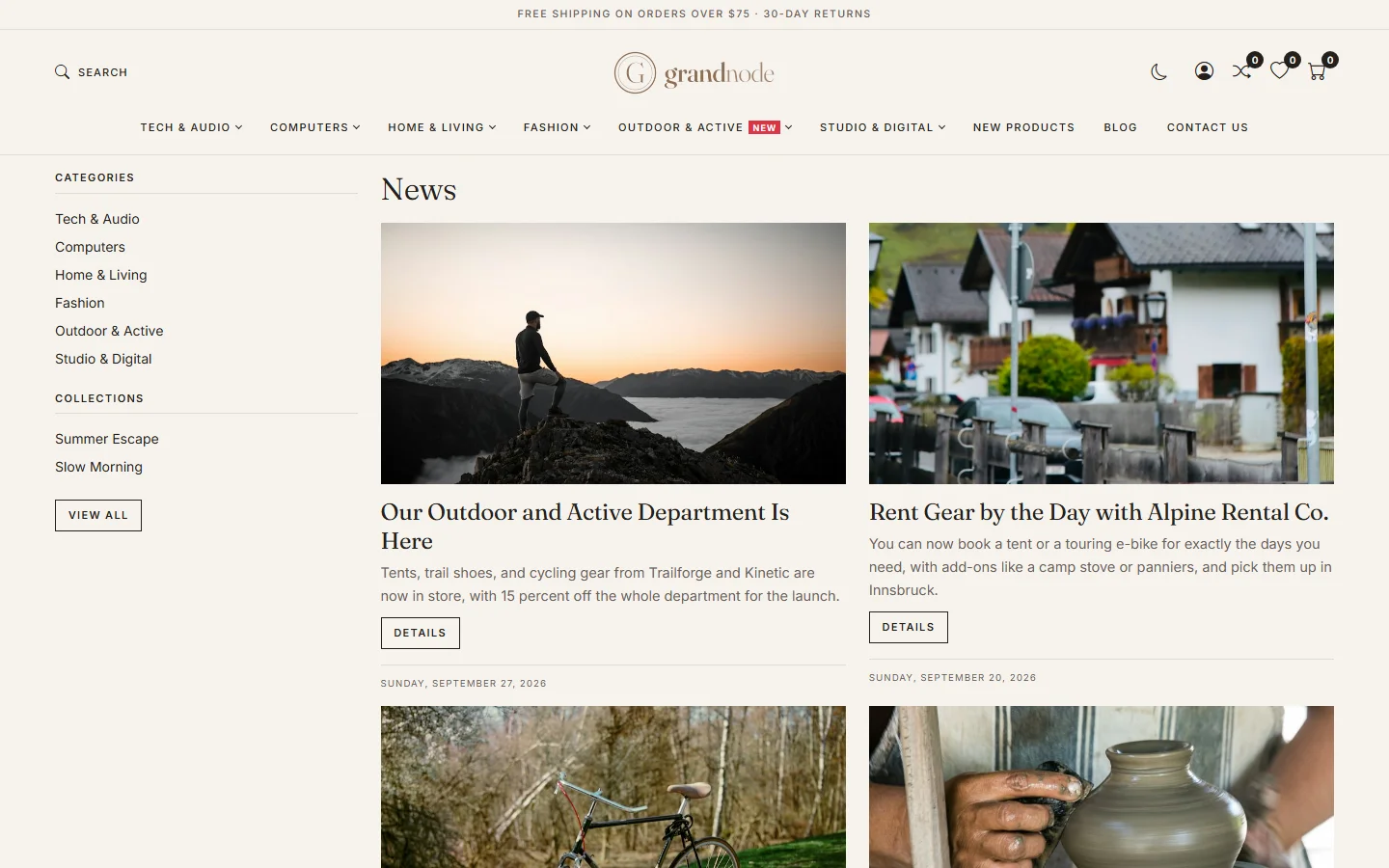
News is at /news; with Show news on main page on, the latest items appear on the home page too.
News settings
Settings → Content settings, tab News: Enabled, Allow not registered users to leave comments, Notify about new news comments, Show news on main page with the number of items, and News archive page size.
Related
Question not answered here? Ask the community on GitHub Discussions ↗