Discount types
The discount type decides what the discount is taken from. It is chosen when you create the discount and determines which "Applied to" tab it gets.
The types
| Type | Applies to | Typical use |
|---|---|---|
| Assigned to order total | The whole order, after shipping and tax. | "10% off your first order" with a coupon. |
| Assigned to order subtotal | The sum of the products, before shipping. | A members' discount on everything in the cart. |
| Assigned to products | Products you pick on the Applied to products tab (or on the product's Discounts tab). | A bundle price, a clearance item. |
| Assigned to all products | Every product's price. | A store-wide sale shown on product pages. |
| Assigned to categories | Products in the chosen categories. | "15% off Outdoor". |
| Assigned to brands | Products of the chosen brands. | A brand promotion. |
| Assigned to collections | Products in the chosen collections. | A seasonal collection sale. |
| Assigned to vendors | Products of the chosen vendors. | A marketplace seller's promotion. |
| Assigned to shipping | The shipping charge. | Free shipping: 100% off shipping, combined with a spent-amount rule. |
Choose what it applies to
For the product, category, brand, collection and vendor types, save the discount first, then open the Applied to ... tab and add items.
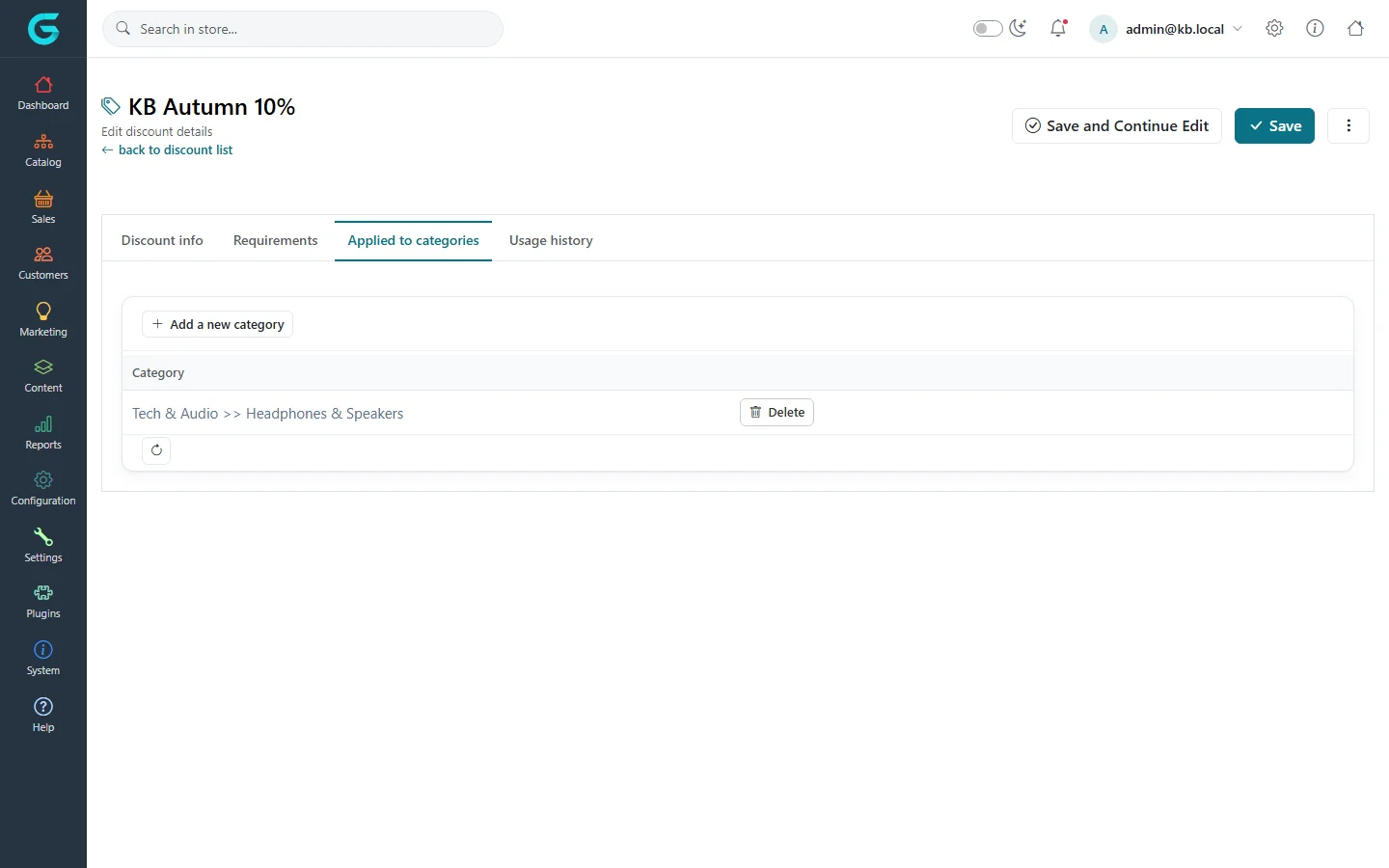
The same link also appears on the other side: a category, brand, collection or product has a Discounts tab listing the discounts of the matching type.
Where customers see it
- Product-level types (products, all products, categories, brands, collections, vendors) lower the product price itself; the product page and listings show the discounted price, when no coupon or other requirement stands in the way.
- Order total, subtotal and shipping discounts appear in the cart and checkout totals.
- A discount that needs a coupon or a rule the customer does not meet is applied only once the condition is met.
Related
Question not answered here? Ask the community on GitHub Discussions ↗