Discount rules (requirements)
A discount without requirements applies to everyone. Discount rules, on the discount's Requirements tab, narrow it down: only for members, only above a cart value, only when a certain product is in the cart. Rules come from discount rule plugins; GrandNode ships with the Standard discount requirements plugin.
Add a rule
- Open the discount and click the Requirements tab.
- Under Add a new discount requirement, choose a Discount rule.
- Fill in the rule's settings and click Save inside the rule's box.
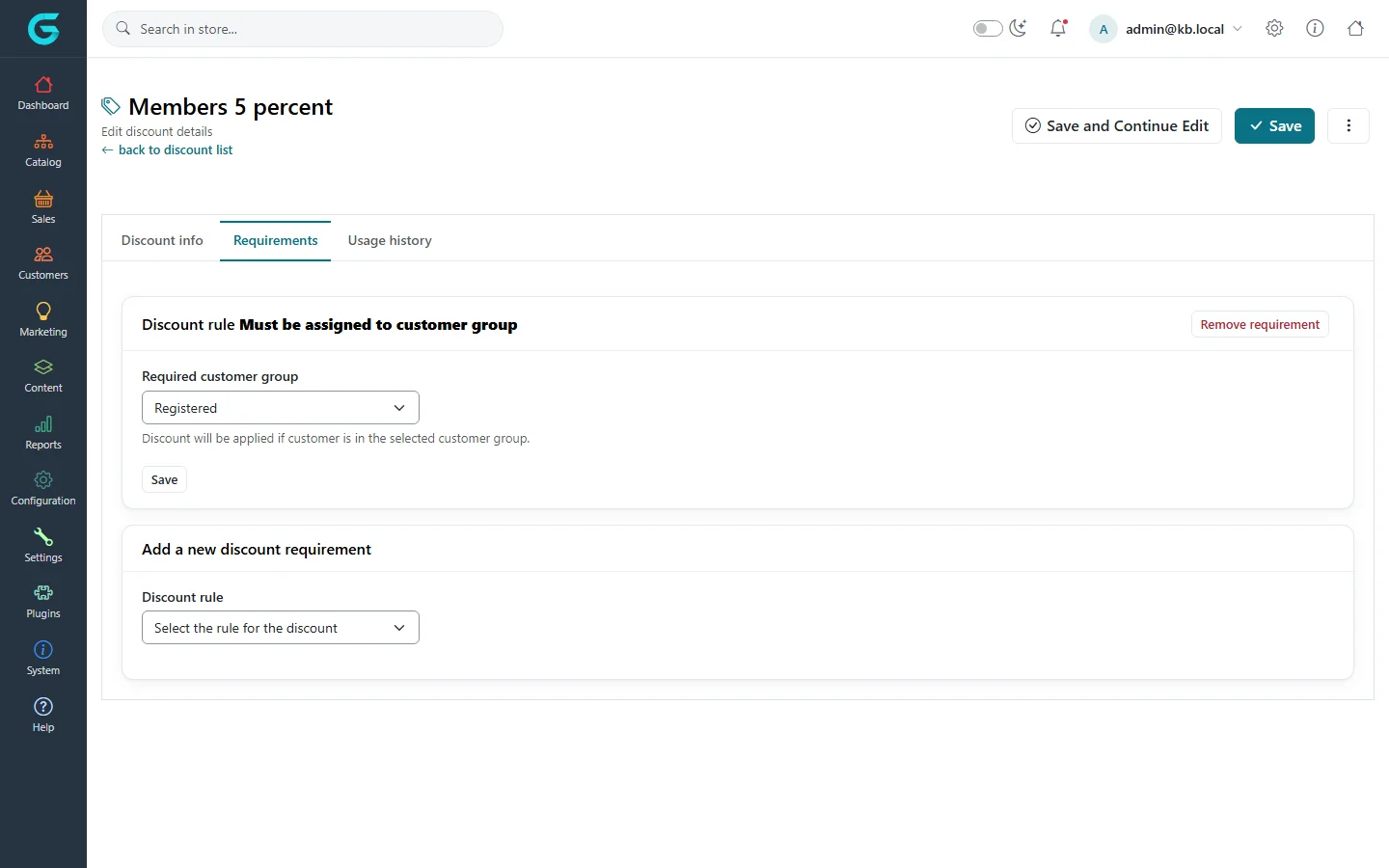
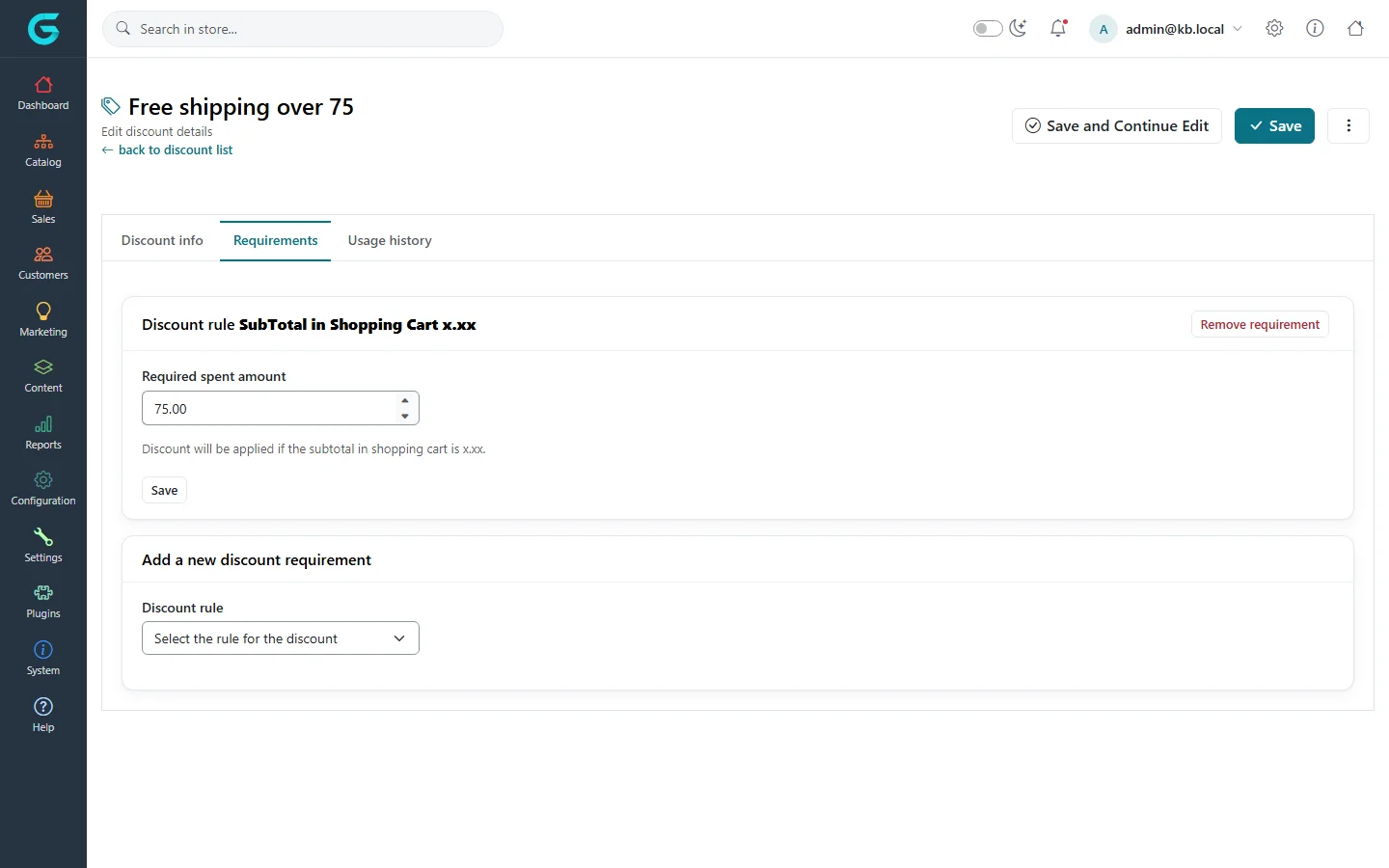
The standard rules
| Rule | The discount applies when |
|---|---|
| Must be assigned to customer group | The customer belongs to the chosen group (Registered, a wholesale group, VIP...). |
| Had spent x.xx amount | The customer's completed orders add up to at least the amount - a loyalty reward. |
| SubTotal in Shopping Cart x.xx | The products in the cart are worth at least the amount. |
| Customer has all of these products in the cart | Every listed product is in the cart - a "buy the set" deal. |
| Customer has one of these products in the cart | At least one listed product is in the cart. |
When a discount has several rules, all of them must be met. Remove requirement deletes a rule.
More rules
Other conditions - a date of birth, a first order, a country - can be added with discount rule plugins. Developers: see For developers.
Related
Question not answered here? Ask the community on GitHub Discussions ↗