Affiliates
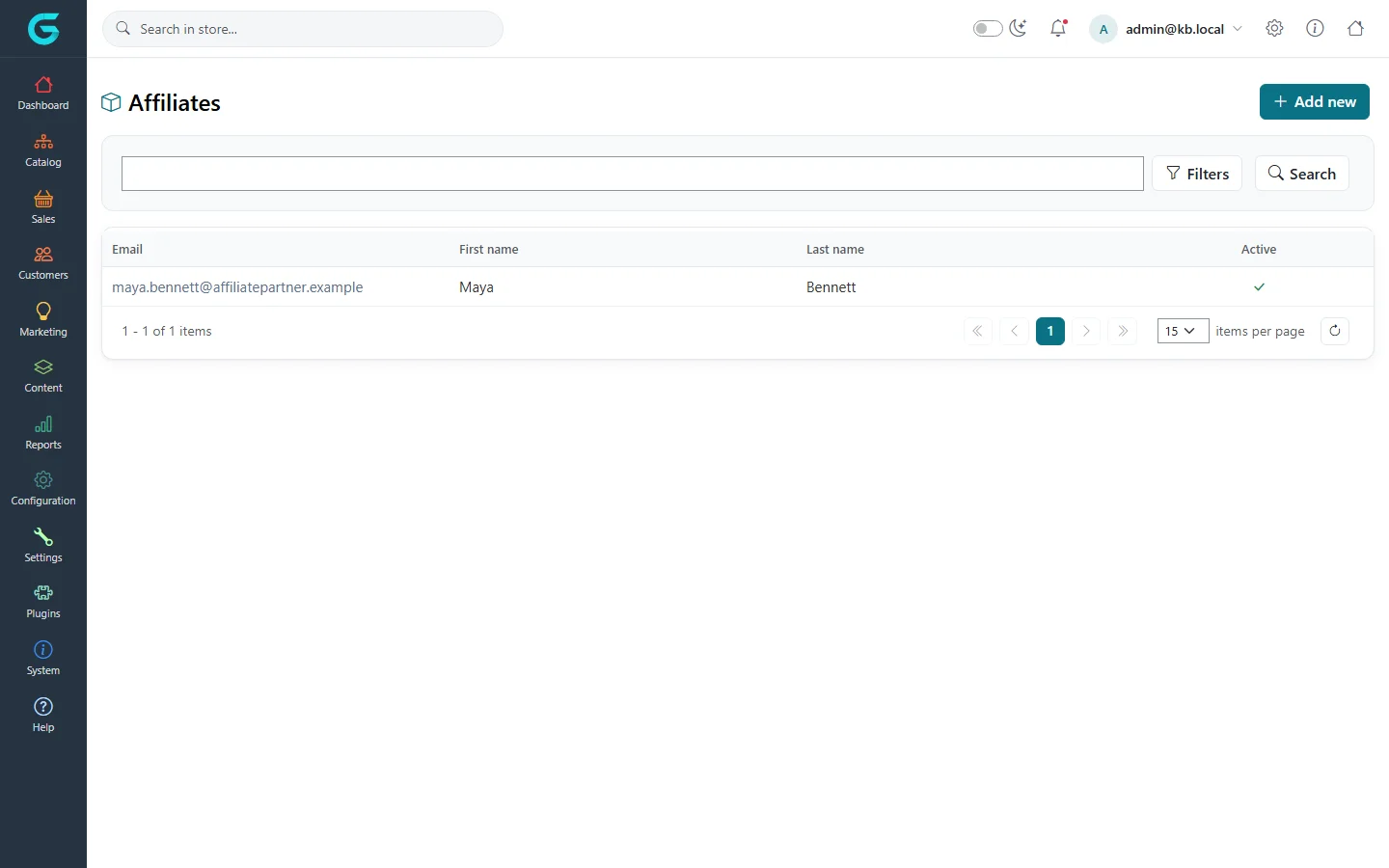
An affiliate is a partner who sends customers to your store - a blogger, a comparison site, a club. GrandNode remembers which affiliate a visitor came from and attributes their registration and orders to that affiliate, so you can pay a commission.
Create an affiliate
- Open Marketing → Affiliates and click Add new.
- Enter the partner's name, e-mail and address, tick Active, and optionally a Friendly URL name such as
maya. - Save. The page shows the affiliate's URL to give to the partner.
Affiliate links
Any store address works as an affiliate link with one of these parameters added:
?affiliateid=<id>- the affiliate's id;?affiliate=<friendly name>- the friendly URL name, e.g.https://yourstore.com/headphones?affiliate=maya.
The first affiliate a visitor arrives with is stored on their customer record; orders they place are marked with it.
Customers and orders of an affiliate
Open an affiliate to see the Customers and Orders tabs: everyone who came through them and what they bought, with filters by date and status - the basis for paying commission.
Related
Question not answered here? Ask the community on GitHub Discussions ↗