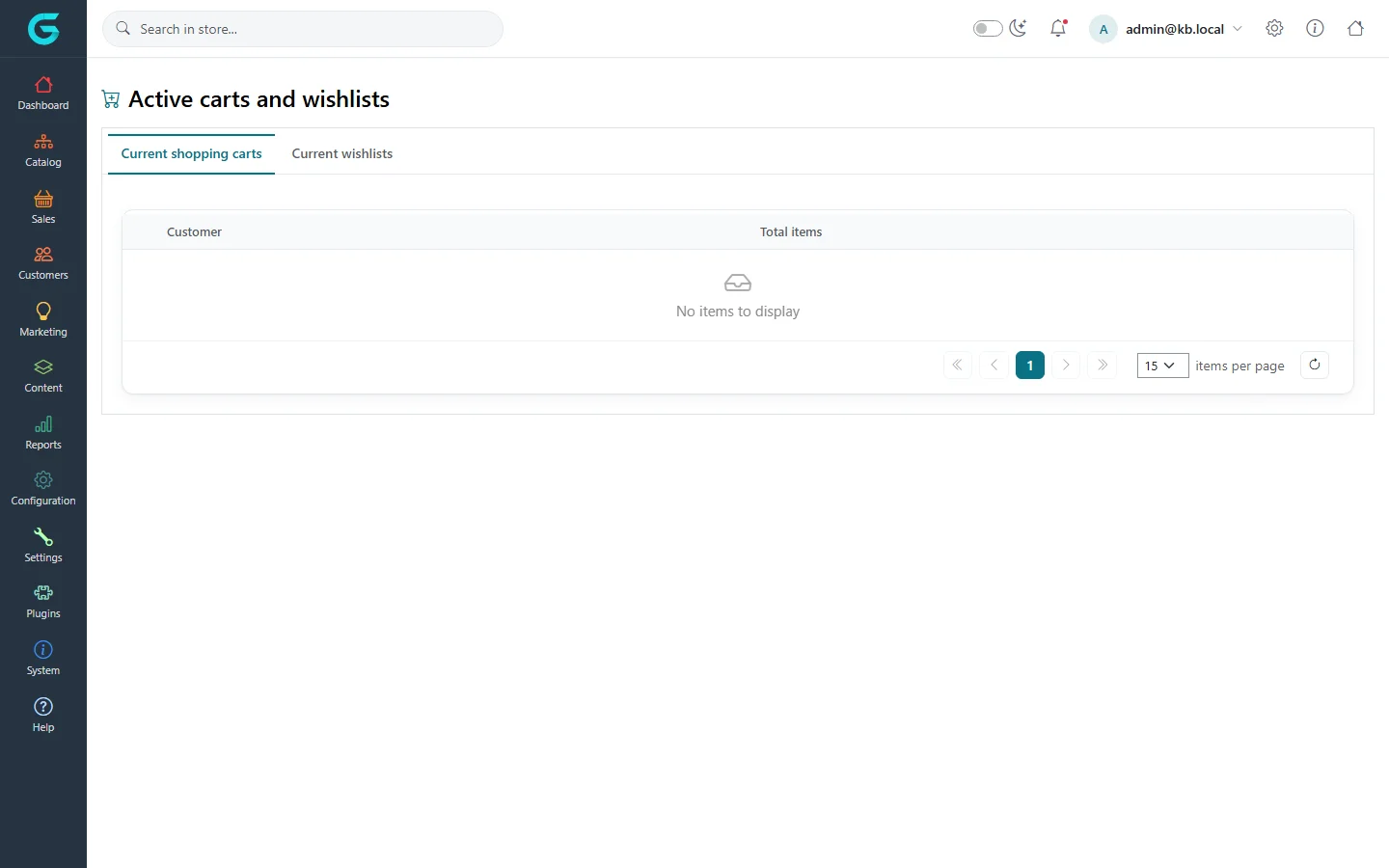
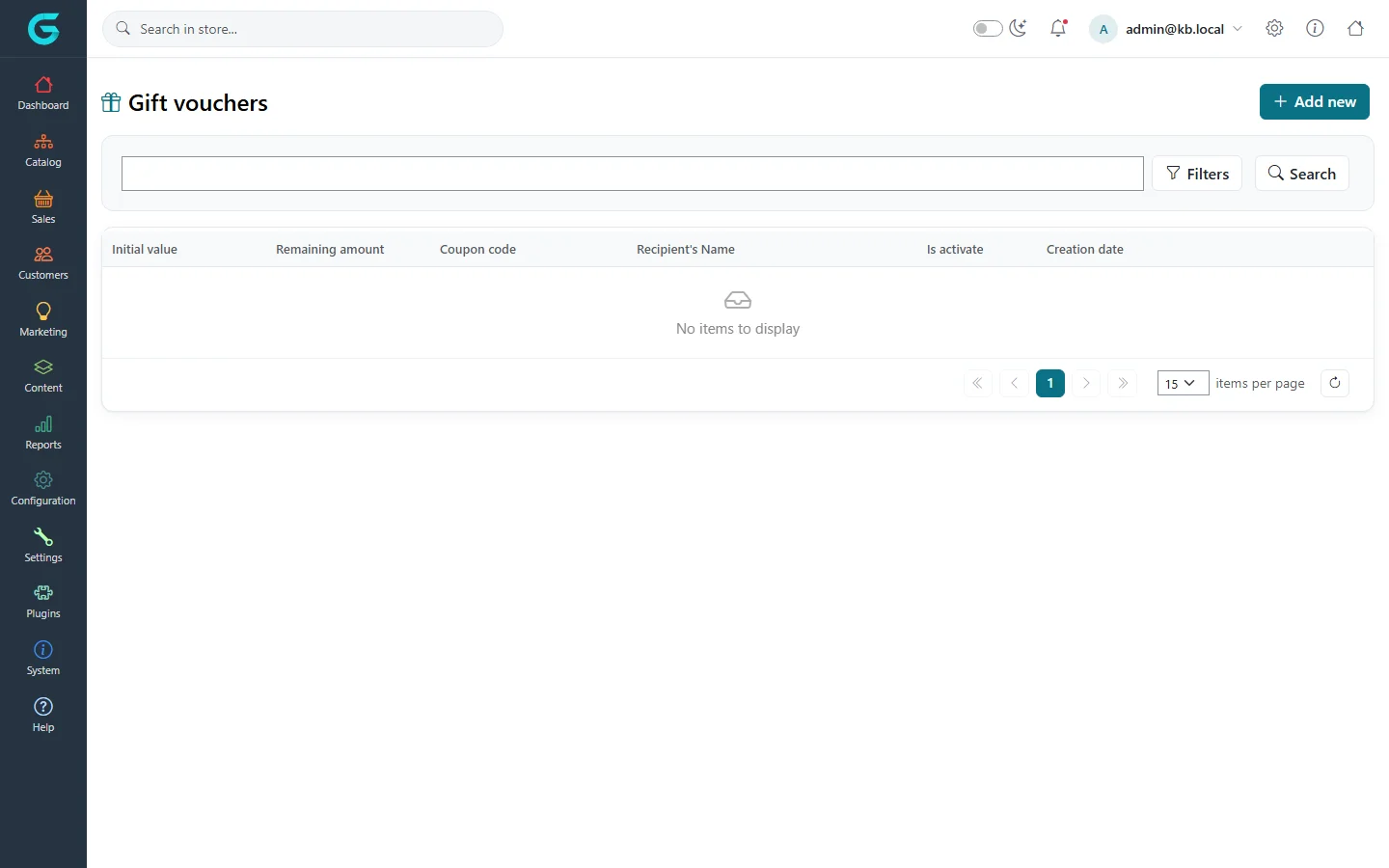
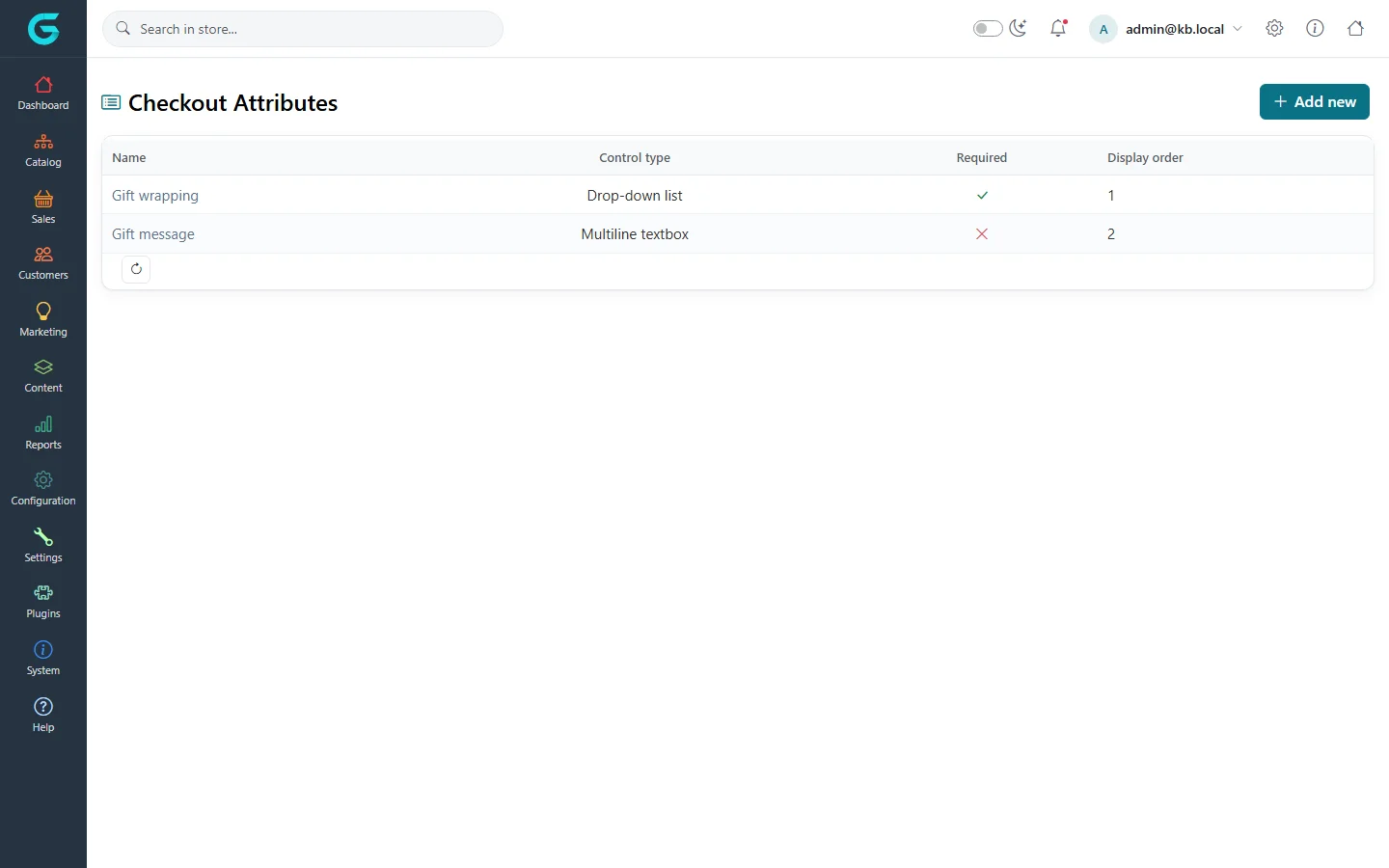
{"ArticleId":null,"Name":"Carts, gift vouchers and checkout attributes","Content":"\n\u003Cp\u003EThree smaller tools under \u003Cstrong\u003ESales\u003C/strong\u003E complete the picture: the view of customers\u0027 current \u003Cstrong\u003Eshopping carts and wishlists\u003C/strong\u003E, \u003Cstrong\u003Egift vouchers\u003C/strong\u003E, and \u003Cstrong\u003Echeckout attributes\u003C/strong\u003E - extra questions asked on the cart page.\u003C/p\u003E\n\n\u003Ch2 id=\u0022carts\u0022\u003EShopping carts and wishlists\u003C/h2\u003E\n\u003Cp\u003E\u003Cstrong\u003ESales \u2192 Shopping carts and wishlists\u003C/strong\u003E shows the carts and wishlists customers have right now, with the number of items. Open one to see its products. Use it to understand what people are about to buy, to answer \u0022I had it in my cart\u0022 calls, or together with the abandoned cart reminders in \u003Ca href=\u0022/docs-marketing\u0022\u003EMarketing\u003C/a\u003E.\u003C/p\u003E\n\u003Cfigure\u003E\u003Cimg src=\u0022/Plugins/Theme.GrandNodeCom/Content/kb/sales/current-carts.webp\u0022 alt=\u0022Active carts and wishlists with the tabs Current shopping carts and Current wishlists\u0022 width=\u00221440\u0022 height=\u0022900\u0022 loading=\u0022lazy\u0022\u003E\u003Cfigcaption\u003ESales \u2192 Shopping carts and wishlists.\u003C/figcaption\u003E\u003C/figure\u003E\n\n\u003Ch2 id=\u0022gift-vouchers\u0022\u003EGift vouchers\u003C/h2\u003E\n\u003Cp\u003EA gift voucher is a code worth an amount that a customer enters at checkout. Vouchers are created in two ways:\u003C/p\u003E\n\u003Cul\u003E\n\u003Cli\u003E\u003Cstrong\u003ESold in the store\u003C/strong\u003E: a product marked as a gift voucher on its General tab. When the order is placed, a voucher is created for the recipient named at checkout. It becomes active when the order reaches the status set in \u003Cstrong\u003ESales settings \u2192 Gift voucher activation order status\u003C/strong\u003E.\u003C/li\u003E\n\u003Cli\u003E\u003Cstrong\u003EIssued by hand\u003C/strong\u003E: \u003Cstrong\u003ESales \u2192 Gift vouchers \u2192 Add new\u003C/strong\u003E, for refunds, competitions or apologies.\u003C/li\u003E\n\u003C/ul\u003E\n\u003Cfigure\u003E\u003Cimg src=\u0022/Plugins/Theme.GrandNodeCom/Content/kb/sales/gift-vouchers.webp\u0022 alt=\u0022The Gift vouchers list with columns initial value, remaining amount, coupon code, recipient name, is activated and creation date\u0022 width=\u00221440\u0022 height=\u0022900\u0022 loading=\u0022lazy\u0022\u003E\u003Cfigcaption\u003ESales \u2192 Gift vouchers.\u003C/figcaption\u003E\u003C/figure\u003E\n\u003Ctable\u003E\n\u003Cthead\u003E\u003Ctr\u003E\u003Cth\u003EField\u003C/th\u003E\u003Cth\u003EWhat it does\u003C/th\u003E\u003C/tr\u003E\u003C/thead\u003E\n\u003Ctbody\u003E\n\u003Ctr\u003E\u003Ctd\u003EGift voucher type\u003C/td\u003E\u003Ctd\u003EVirtual (sent by e-mail) or physical (posted).\u003C/td\u003E\u003C/tr\u003E\n\u003Ctr\u003E\u003Ctd\u003EInitial value, Currency\u003C/td\u003E\u003Ctd\u003EThe amount the voucher is worth.\u003C/td\u003E\u003C/tr\u003E\n\u003Ctr\u003E\u003Ctd\u003ECoupon code\u003C/td\u003E\u003Ctd\u003EThe code the customer types; \u003Cstrong\u003EGenerate code\u003C/strong\u003E creates a random one.\u003C/td\u003E\u003C/tr\u003E\n\u003Ctr\u003E\u003Ctd\u003EIs activated\u003C/td\u003E\u003Ctd\u003EOnly active vouchers can be used.\u003C/td\u003E\u003C/tr\u003E\n\u003Ctr\u003E\u003Ctd\u003ERecipient and sender name and e-mail, Message\u003C/td\u003E\u003Ctd\u003EUsed in the e-mail; \u003Cstrong\u003ENotify recipient\u003C/strong\u003E sends it.\u003C/td\u003E\u003C/tr\u003E\n\u003Ctr\u003E\u003Ctd\u003EValid to\u003C/td\u003E\u003Ctd\u003EAn optional expiry date.\u003C/td\u003E\u003C/tr\u003E\n\u003C/tbody\u003E\n\u003C/table\u003E\n\u003Cp\u003EThe \u003Cstrong\u003EUsage history\u003C/strong\u003E tab of a voucher lists the orders it paid for; the remaining amount goes down with each use.\u003C/p\u003E\n\n\u003Ch2 id=\u0022checkout-attributes\u0022\u003ECheckout attributes\u003C/h2\u003E\n\u003Cp\u003ECheckout attributes are questions on the cart page that belong to the order rather than to a product: gift wrapping, a gift message, a delivery instruction, a purchase order number.\u003C/p\u003E\n\u003Cfigure\u003E\u003Cimg src=\u0022/Plugins/Theme.GrandNodeCom/Content/kb/sales/checkout-attributes.webp\u0022 alt=\u0022The Checkout Attributes list with Gift wrapping as a drop-down list and Gift message as a multiline textbox\u0022 width=\u00221440\u0022 height=\u0022900\u0022 loading=\u0022lazy\u0022\u003E\u003Cfigcaption\u003ESales \u2192 Checkout attributes.\u003C/figcaption\u003E\u003C/figure\u003E\n\u003Col\u003E\n\u003Cli\u003EClick \u003Cstrong\u003EAdd new\u003C/strong\u003E, enter the \u003Cstrong\u003EName\u003C/strong\u003E and optional \u003Cstrong\u003EText prompt\u003C/strong\u003E, choose the \u003Cstrong\u003EControl type\u003C/strong\u003E (the same types as product attributes: drop-down, checkboxes, textbox, date picker, file upload...) and whether it is \u003Cstrong\u003ERequired\u003C/strong\u003E.\u003C/li\u003E\n\u003Cli\u003EFor list types, add values; a value can add a \u003Cstrong\u003EPrice adjustment\u003C/strong\u003E to the order (for example \u002B5 for gift wrapping) and a weight.\u003C/li\u003E\n\u003Cli\u003EUse \u003Cstrong\u003EShippable product required\u003C/strong\u003E to show the question only when the cart contains something to ship, and \u003Cstrong\u003ETax exempt\u003C/strong\u003E or a tax category for the price adjustment.\u003C/li\u003E\n\u003C/ol\u003E\n\u003Cp\u003EThe answers appear in the order details, the invoice and the order e-mails.\u003C/p\u003E\n\n\u003Ch2 id=\u0022related\u0022\u003ERelated\u003C/h2\u003E\n\u003Cul\u003E\n\u003Cli\u003E\u003Ca href=\u0022/catalog-attributes\u0022\u003EProduct attributes, combinations and specifications\u003C/a\u003E\u003C/li\u003E\n\u003Cli\u003E\u003Ca href=\u0022/docs-marketing\u0022\u003EMarketing and promotions\u003C/a\u003E\u003C/li\u003E\n\u003C/ul\u003E\n","ParentCategoryId":"6abdec6c83d2816248229ec5","SeName":"sales-checkout-attributes","MetaKeywords":null,"MetaDescription":"See active shopping carts and wishlists, issue and track gift vouchers, and ask extra questions at checkout with checkout attributes.","MetaTitle":null,"AllowComments":false,"Captcha":{"ReCaptchaChallengeField":null,"ReCaptchaResponseField":null,"ReCaptchaResponseValue":null,"ReCaptchaResponse":null},"RelatedArticles":[],"CategoryBreadcrumb":[{"Name":"Sales and orders","Description":null,"IsCurrent":false,"Children":null,"Parent":null,"SeName":"docs-sales","Id":"6abdec6c83d2816248229ec5","UserFields":[]}],"AddNewComment":{"CommentText":null,"DisplayCaptcha":false,"Id":null,"UserFields":[]},"Comments":[],"Id":"6abdec6c83d2816248229ed7","UserFields":[]}